Blog / Guide
Professional vertical video: how to shoot it right for Reels, TikTok and Shorts
A practical guide to professional vertical video: 9:16 framing, lighting, location sound, common mistakes and tips for shooting pieces that hold up on Reels, TikTok and Shorts.
Almost everything published on social media today is vertical. Reels, TikTok, Shorts, Stories. And almost all of it is still shot as if it were meant for YouTube in 2018: camera in landscape, frontal medium shot, ambient sound and a prayer.
Professional vertical video is not the same as turning the camera ninety degrees. It's a different way of framing, lighting, recording sound and editing. This is the practical guide I use when planning vertical pieces for companies in Madrid.
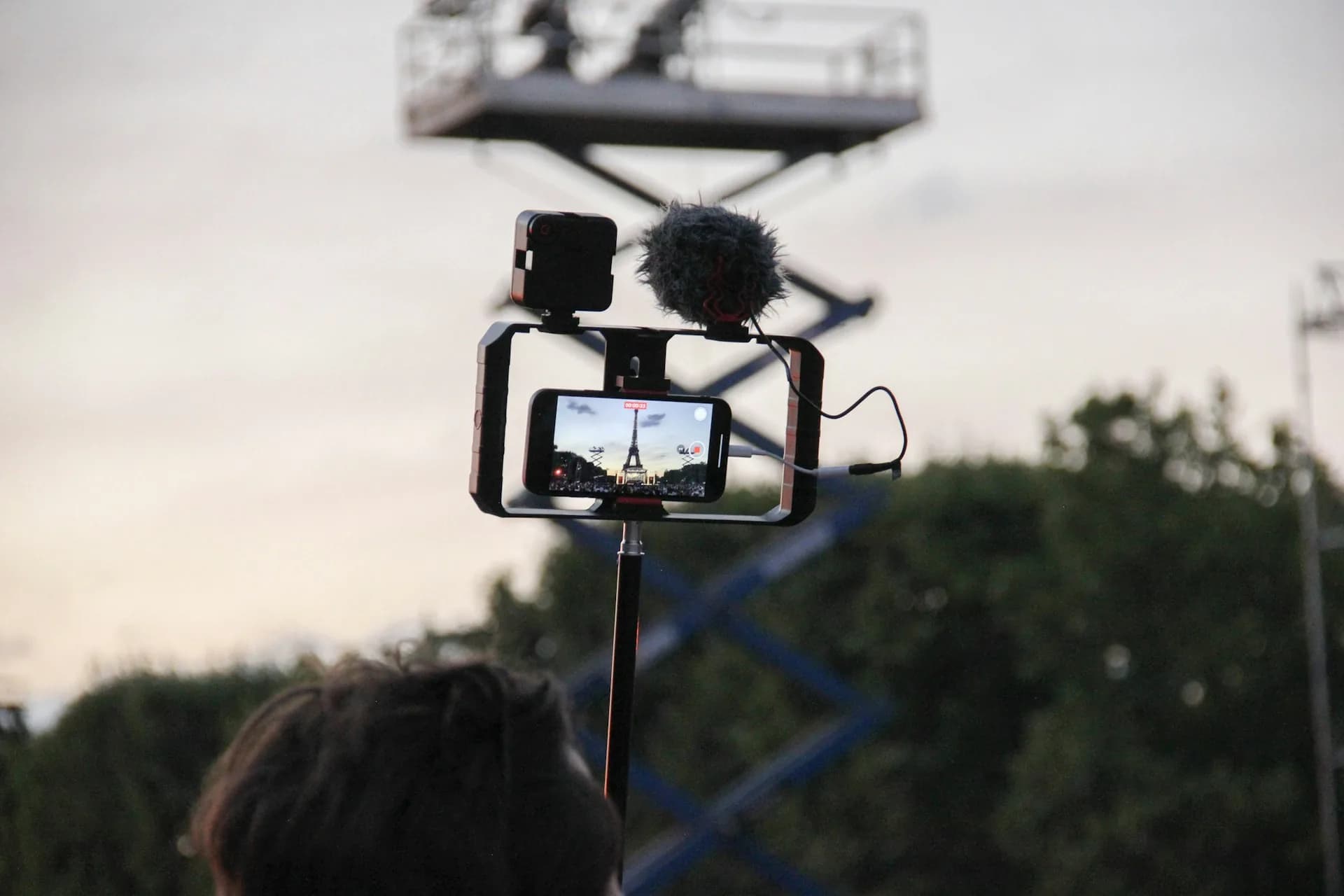
What changes compared to horizontal video
The vertical format takes its cues from the phone. It's watched a hand's width from the face, almost always with the sound off, while someone scrolls. That forces you to rethink several basic decisions: where you place the eyes in the frame, how much headroom you leave, where the subtitles sit and how you handle the first second.
The average viewer decides whether to keep watching within the first two seconds. If in that window they don't understand where you are, what they're looking at and what you're offering them, they scroll. That demands more discipline in framing and sound than any other format.
Then there's the technical side: 1080×1920 at 30 fps as a minimum, a flat color profile if you're going to grade it later, and clean audio, because the platform recompresses whatever you upload and anything that was borderline falls apart.
How to do it right
Framing: eyes in the upper third
The subject's eyes should sit in the upper third of the frame. Above them you leave headroom so the face isn't jammed against the edge, and below you have space for burned-in subtitles without covering the chin. If you're shooting on a camera, use a 35 mm or 50 mm full-frame equivalent lens. On a phone, the standard wide lens (24-26 mm) is enough and avoids ultra-wide distortion.
Lighting: one soft key light
The most common mistake is lighting as if it were horizontal: two lights at 45 degrees, cowboy shot. In vertical, that flattens the face. What works is a single large key light (LED panel with a softbox, or a side window) close to the subject and a soft bounce on the other side. No aggressive background lights that give away that it's a set.
Sound: always mic up close
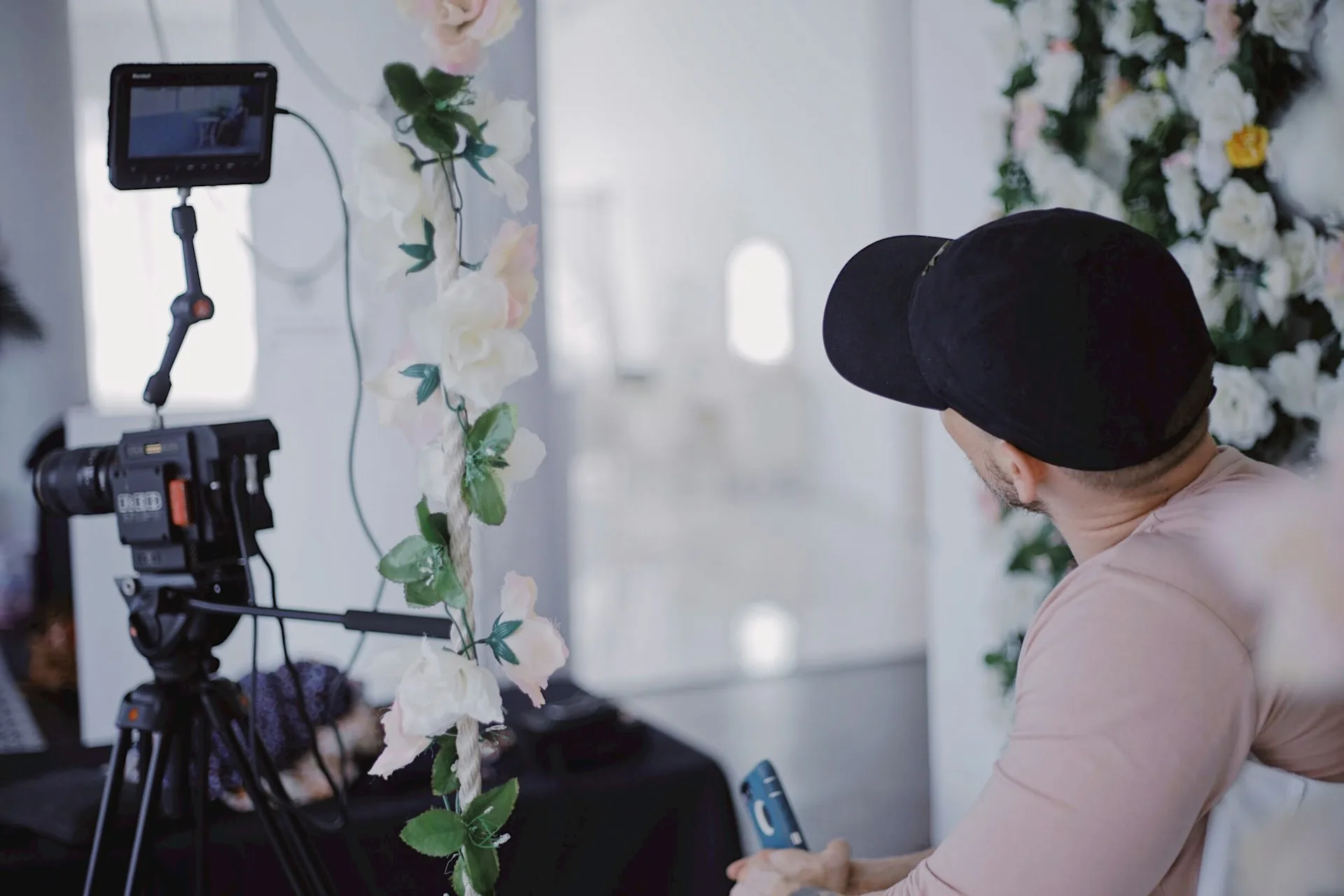
Without decent location sound, the camera doesn't matter. For static pieces, a lavalier (Lark M2, RØDE Wireless GO II) placed 20 cm from the mouth. For pieces with movement, a shotgun on a boom pole if you have someone to hold it, or the lavalier if you're working alone. A phone's ambient audio won't carry a thirty-second piece without the viewer tuning out.
Mistakes I see all the time
- Shooting horizontal and cropping to vertical in post. You lose resolution, you lose room to frame properly and it shows a mile off.
- Medium or cowboy shots. In vertical, the shoulders end up huge and the face tiny. Better a close-up or waist-up shot with the person in the upper third.
- On-screen text pushed against the edges. Instagram and TikTok cover the top and bottom two hundred pixels with interface; any text there gets hidden behind the buttons.
- Music cranked up over the voice. The voice drives retention; music should sit twelve decibels below the voice, not the other way round.
- Forgetting burned-in subtitles. Over 70% of viewing happens with the sound off. Without subtitles you lose most people in the first two seconds.
Frequently asked questions
Is it better to shoot vertical in 4K or 1080p?
For pieces that are only going to social media, 1080×1920 at 30 fps is enough and takes up half the space in the project. Vertical 4K (2160×3840) makes sense if you're going to punch in within the frame in post (simulated zoom in/out) or if you want to repurpose the footage later for cropped horizontal pieces. For a single clean vertical piece, 1080p works fine.
Can you shoot professional vertical video on a phone?
Yes, with caveats. Recent iPhones (15 Pro onwards) capture publishable footage if you add good lighting and an external microphone. Phones still fall short on dynamic range (blown-out skies, crushed shadows) and natural bokeh, so for pieces that need that polished look, use a camera. For more spontaneous content, a phone with a lavalier and soft side window light is usually enough.
What length works best on Reels, TikTok and Shorts?
As a starting point, between fifteen and forty-five seconds. Under fifteen, it's hard to deliver real value; over forty-five, you need to be very sure the content holds up. If the piece is informative with a tight script, up to sixty or ninety seconds can work; if it's more visual or built on a quick hook, twenty to thirty seconds is the sweet spot.
Is it worth shooting 9:16 and 16:9 at the same time?
Only if you plan for it from the start. That means framing with enough margin above and below and cutting two separate edits. If social media is the priority, it's better to shoot native vertical and forget about the 16:9 version almost nobody will watch. If the piece also lives on a website or YouTube, then yes, it's worth planning both versions from the shoot.
If you're producing vertical content for your company and you're not sure whether what you're getting is publishable, write to me through the contact page with a couple of lines about the format and the channel you want to publish on. We'll take a look at what you have and see whether it makes sense to adjust the process or produce it differently.