Blog / Guide
Event recap videos: what to include and what to cut
A good event recap doesn't film everything: it knows what to choose. Which shots are essential and which go straight into the recycle bin.
Most event recaps fail before the edit even begins. Not because of a lack of footage, but because of too much of it. The camera operator shot four hours, the client wants everything in, and the final result looks more like security footage than a communications video.
A good recap isn't measured by its length or the number of shots it packs in. It's measured by how much it cuts. If the editor has no selection criteria, the final video runs for 7 minutes and loses the viewer by minute 2. This article explains which shots are essential and which go straight into the bin.
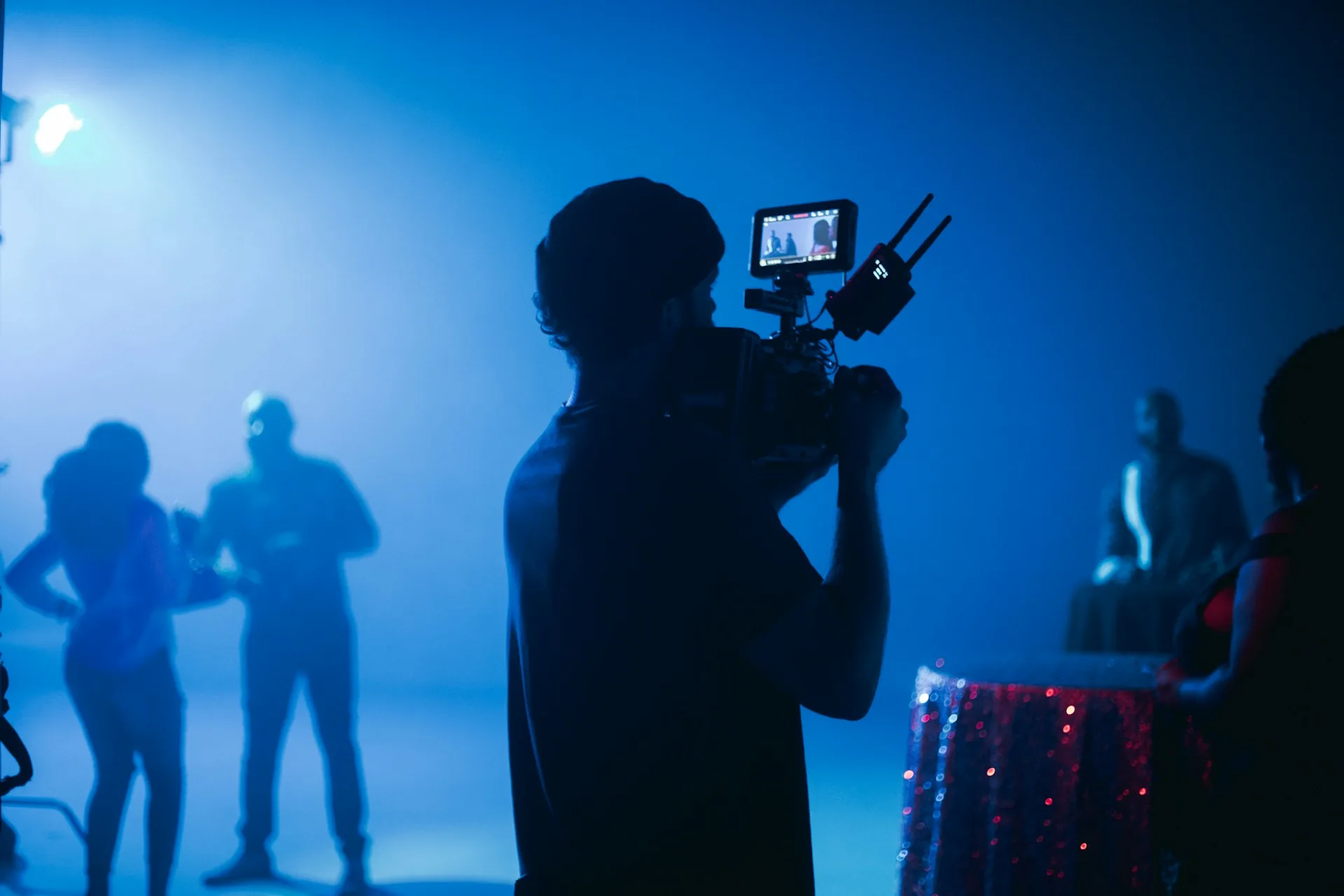
What a recap video is and why it matters
An event recap is a short piece — between 90 seconds and 3 minutes — that sums up what happened at a company day, conference, gala, training session or product launch. Its job isn't to document: it's to communicate. It gets posted on LinkedIn and the company website, sent to attendees or used as a selling point for the next edition.
What sets it apart from a full recording is selection. A recap has pace, structure and a point of view. The full recording exists just in case. The recap exists to make someone who wasn't there wish they had been.
For companies that run annual events, the recap is the video asset with the highest return: it attracts sponsors, strengthens the brand and persuades potential attendees better than any brochure.
What you must include
Atmosphere and venue shots
The first 20 seconds of a recap should place the viewer in the space. The full room, the stage set up, the audience arriving, the tech crew rigging. Four or five shots of 3-4 seconds each are enough to establish context without the video opening cold on a talk. These shots are captured before the event starts and during breaks: that's when there's natural light, freedom to move and access without disturbing the speakers. If you don't get them then, there's no way to recover them later.
Audience faces and reactions
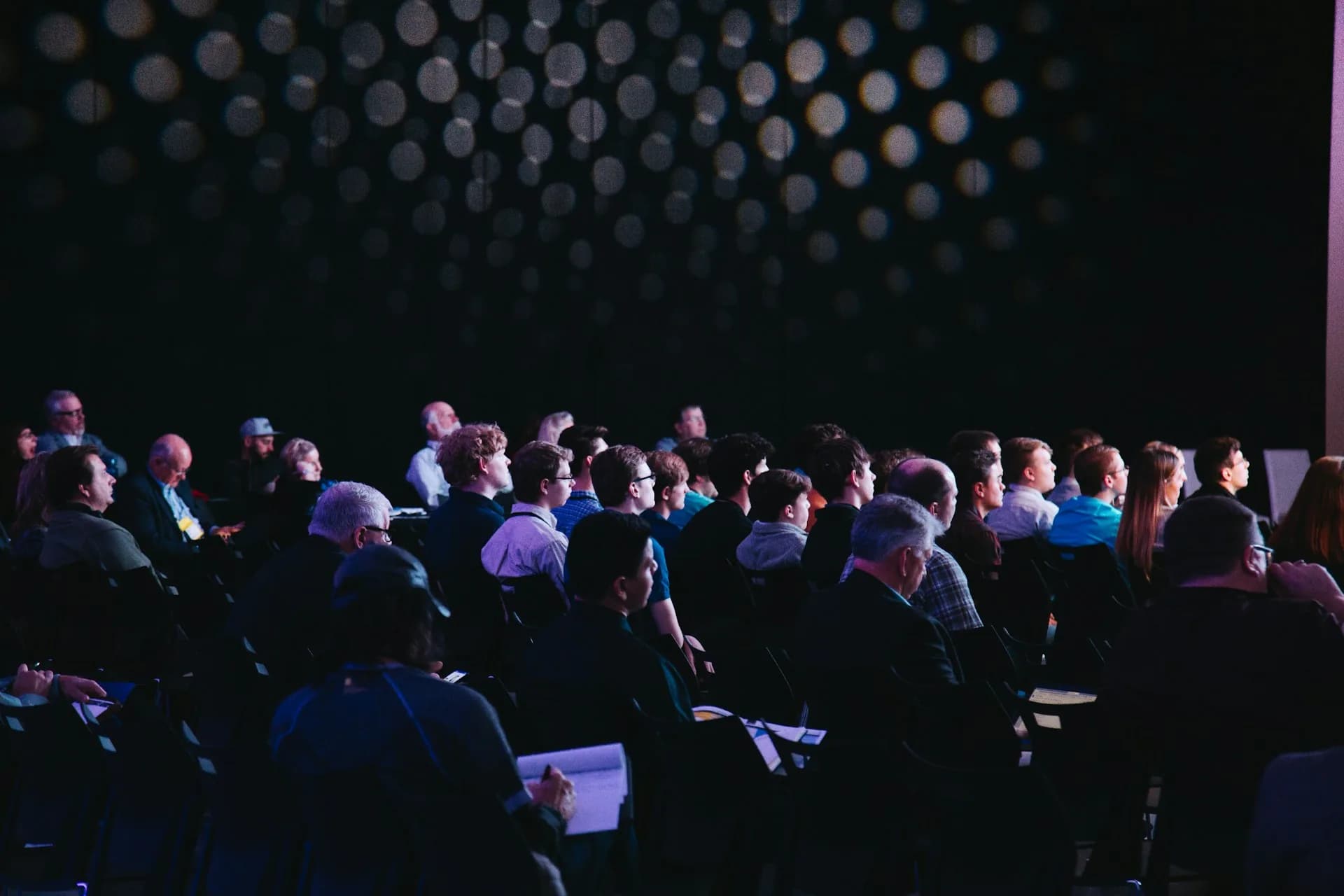
The most common mistake is filming only the speaker. Audience reactions are what turn a video of a talk into a video of an event. Laughter, people taking notes, conversations during networking, the applause at the end of a talk. These are the shots that make the viewer think they should have been there. I always devote at least 20-25% of the final cut to reaction shots and human atmosphere. At an event of 200 people that's easy to get. At one of 30, it takes more judgement to avoid overusing the same faces.
Transitions and peak moments
A speaker's opening, the moment they raise a hand to stress a point, the applause at the end of the talk, the cutaway to the room during a pause. These transitional moments give the edit structure without it feeling like an incoherent collage of clips. They're what separate a good editor from someone who simply knows how to use the software.
What to cut without hesitation
- Shots of the speaker from behind or with their head cropped: if you can't see the face, it adds nothing.
- Audience members looking at their phones or distracted: it communicates the opposite of what the client wants.
- The first 30 seconds of each talk before the speaker finds their rhythm: they're almost always hesitant starts.
- Empty corridors and catering tables with no one around: they make the event feel cold and poorly attended.
- Full PowerPoint presentations: in a recap, only the second where the speaker points to the key figure goes in, not the whole slide.
- Any backlit shot that hasn't been compensated for, or anything filmed under emergency lighting: it destroys the perceived quality of the rest of the video.
Frequently asked questions
How long should an event recap be?
Between 90 seconds and 3 minutes is the range that works on most platforms. Under 90 seconds, it's hard to convey the atmosphere of the event. Over 3 minutes, retention drops and the video starts to feel like a full recording. For a full-day event, a recap of 2 to 2:30 minutes is typical. For multi-day conferences with very varied footage, it can stretch to 3:30.
How many cameras do you need to film an event recap?
Two cameras is the reasonable minimum: one fixed on the stage and one roaming for atmosphere and audience shots. With a single camera your editing options are more limited and the risk of missing key moments is higher. Three cameras allow a smoother edit and let you cover the event without stopping to reposition. From four upwards, sync complexity and post-production costs rise noticeably.
What music is used in a corporate recap?
Music licensed for commercial use. Platforms like Artlist or Musicbed have large catalogues designed for this kind of production. The tempo of the music sets the pace of the edit: for dynamic events and networking, something between 100 and 120 BPM works well. For galas or company presentations, slower, orchestral pieces work better. Never unlicensed music from Spotify: the moment the client uploads the video to LinkedIn or YouTube they could receive a copyright claim.
When is the recap delivered after the event?
If the client needs to publish it while the event is still trending, you have to plan an express cut with footage pre-selected during filming. That cut can be ready 4-6 hours after the event if length, music and style have been agreed in advance. A polished recap, with revisions and client approval, takes between 3 and 5 working days. This needs to be agreed before filming starts, not when the event ends.
If you're organizing an event and want to talk about how to cover the filming and what kind of recap makes sense for you, you can get in touch through the contact page. I work in Madrid and the surrounding area.