Blog / Guide
Teleprompters in corporate video: when to use one and when not to
A practical guide to deciding whether a teleprompter makes sense for your next corporate shoot. When it helps, when it hurts and what the alternatives are.
Teleprompters have been used in television for decades and, in recent years, have made their way into all kinds of corporate productions. The question I get before almost any shoot with a spokesperson isn't whether they have a script, but whether they want to use a teleprompter. My answer is almost never a flat yes or an outright no.
There are situations where a teleprompter saves the shoot: it cuts down takes, eliminates mistakes and gives the presenter confidence. And there are situations where it ruins it: the person looks stiff, their eyes don't respond naturally and the video loses credibility. The difference isn't the tool, but who is using it and what they need to get across.
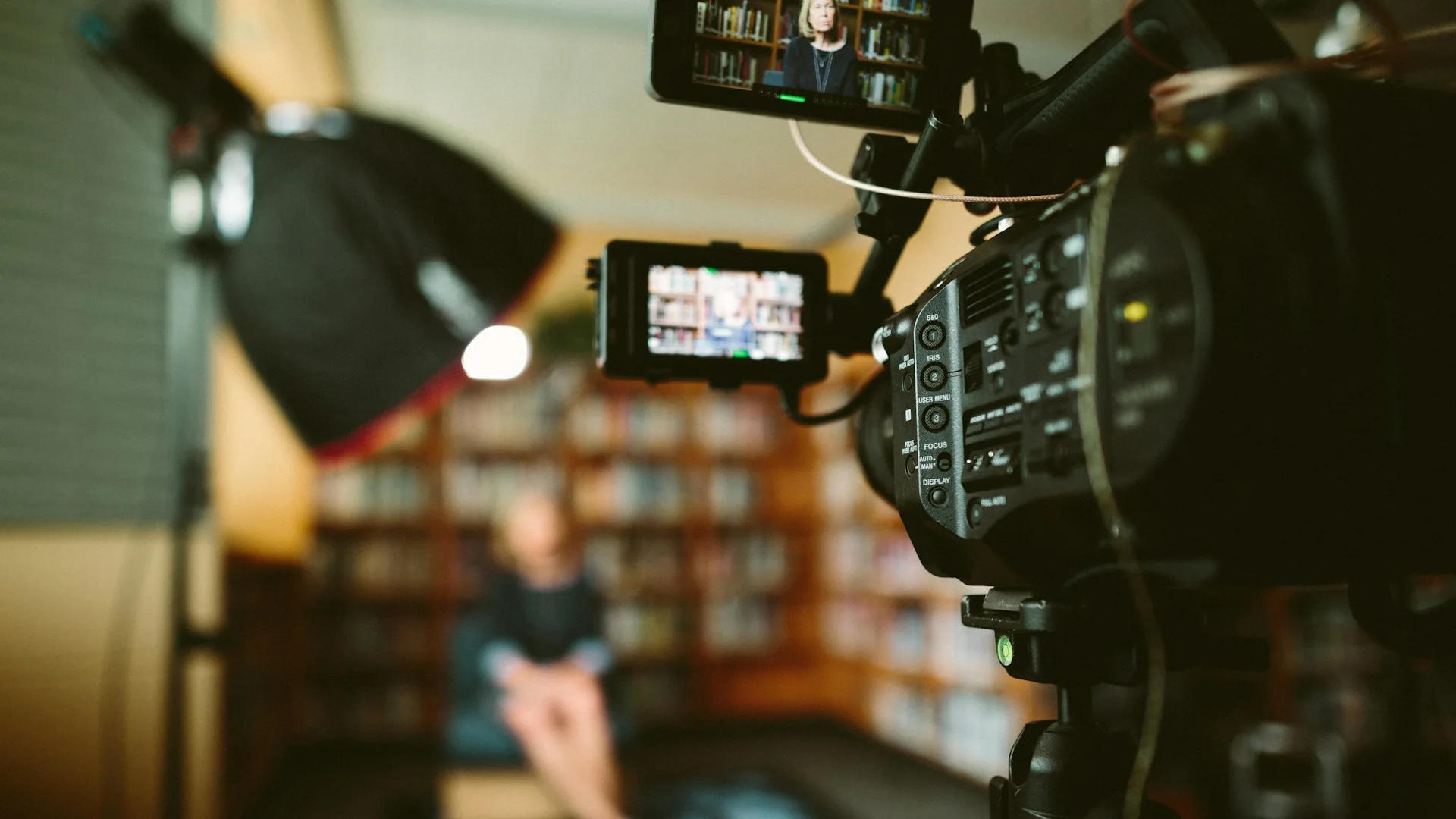
What a teleprompter is and how it works in corporate production
A teleprompter is a semi-transparent mirror that reflects the script in front of the camera lens. The presenter reads the words, but their eyes look straight into the lens. Technically it's simple: a tablet or monitor, a pane of glass at 45 degrees and software that controls how fast the text scrolls.
In corporate production it is mainly used for spokesperson videos, CEO messages, product presentations and internal announcements. Any piece where someone has to speak to camera for more than 30 seconds and the wording has to be precise is a candidate for a teleprompter.
The challenge isn't technical. The challenge is that most people who sit in front of a teleprompter for the first time read. And when it's obvious someone is reading, the video loses credibility instantly. The viewer can't tell you exactly what's wrong, but they sense it.
When a teleprompter makes sense
When the wording has to be exact
Some messages leave no room for imprecision: legal statements, financial results announcements, event opening speeches where every word counts. In these cases the teleprompter isn't a crutch, it's the right tool. The risk of improvising and saying something out of place is greater than the risk of looking slightly rehearsed.
When the presenter is trained
Broadcasters and TV presenters have spent years reading from teleprompters without it showing. An executive who regularly does internal communications can learn it too. With two or three hours of real practice, most people get an acceptable result. Without practice, no technical adjustment makes up for a glassy stare.
When the piece is long or content-heavy
For videos over two minutes where the speaker has to cover a lot of points without losing the thread, a teleprompter reduces mistakes and takes. Without one, three minutes of script can take four hours to shoot. With one, if the presenter handles it well, that time is cut in half.

When a teleprompter hurts the video
- When the piece is meant to feel close or spontaneous: testimonials, team interviews, company culture videos.
- When the presenter has never used one and there's no time to practice before the shoot.
- When the space doesn't allow the rig to be set up at the right distance and the reading angle becomes obvious.
- When the script isn't locked and the text is still being edited during the shoot itself.
- When the video has a documentary or conversational style and the rigidity of the teleprompter breaks that tone.
- When the person on camera is more credible being spontaneous than being precise.
Frequently asked questions about teleprompters in corporate video
Can you tell in the video that someone is using a teleprompter?
If the presenter is trained, no. If they aren't, yes: the eyes don't make natural micro-expressions, the pace is too even and the blink rate changes. The viewer can't tell you what's wrong, but they sense that something is off.
What is the right scroll speed for teleprompter text?
It depends on the person. Most people speak at 130 to 160 words per minute on camera. The operator adjusts the speed to match the presenter's natural speaking pace, not the other way around. With a remote the presenter can control it themselves, although at first that tends to cause more nerves than relief.
How far should the presenter be from the camera?
For a standard interview shot on an 85mm lens or similar, the presenter is usually two to three meters from the camera. At that distance, the reading angle is almost imperceptible. With wider lenses the teleprompter sits closer and the reading effect becomes more noticeable.
Is it better to use a teleprompter or memorize the script?
Memorizing the script gives more natural results, but it takes preparation time that many executives don't have. For 30- to 60-second pieces it's doable. For pieces of two minutes or more, a teleprompter is more efficient. A third option that works well is speaking from key talking points instead of a word-for-word script: the presenter has freedom of expression and the message stays structured.
Before deciding whether to bring a teleprompter to a shoot, I ask two things: what kind of piece it is and how much the person has practiced. The answers to those two questions usually say it all. If you have a corporate video in mind and want to talk about how to plan it before the shoot, you can get in touch through the contact page.