Blog / Guide
Storyboarding a corporate video: how to use one even if you can't draw
Storyboards aren't just for artists. They're a communication tool that prevents mistakes before you get to the shoot. A practical guide from a filmmaker in Madrid.
The storyboard is one of those tools people associate with big productions. TV commercial shoots, special effects, fifty-person crews. The reality for corporate video is more modest.
I've prepared corporate productions both with and without a storyboard. What I've learned is that it doesn't depend on the budget: it depends on the type of project and how much the client needs to visualize the result before the shoot.
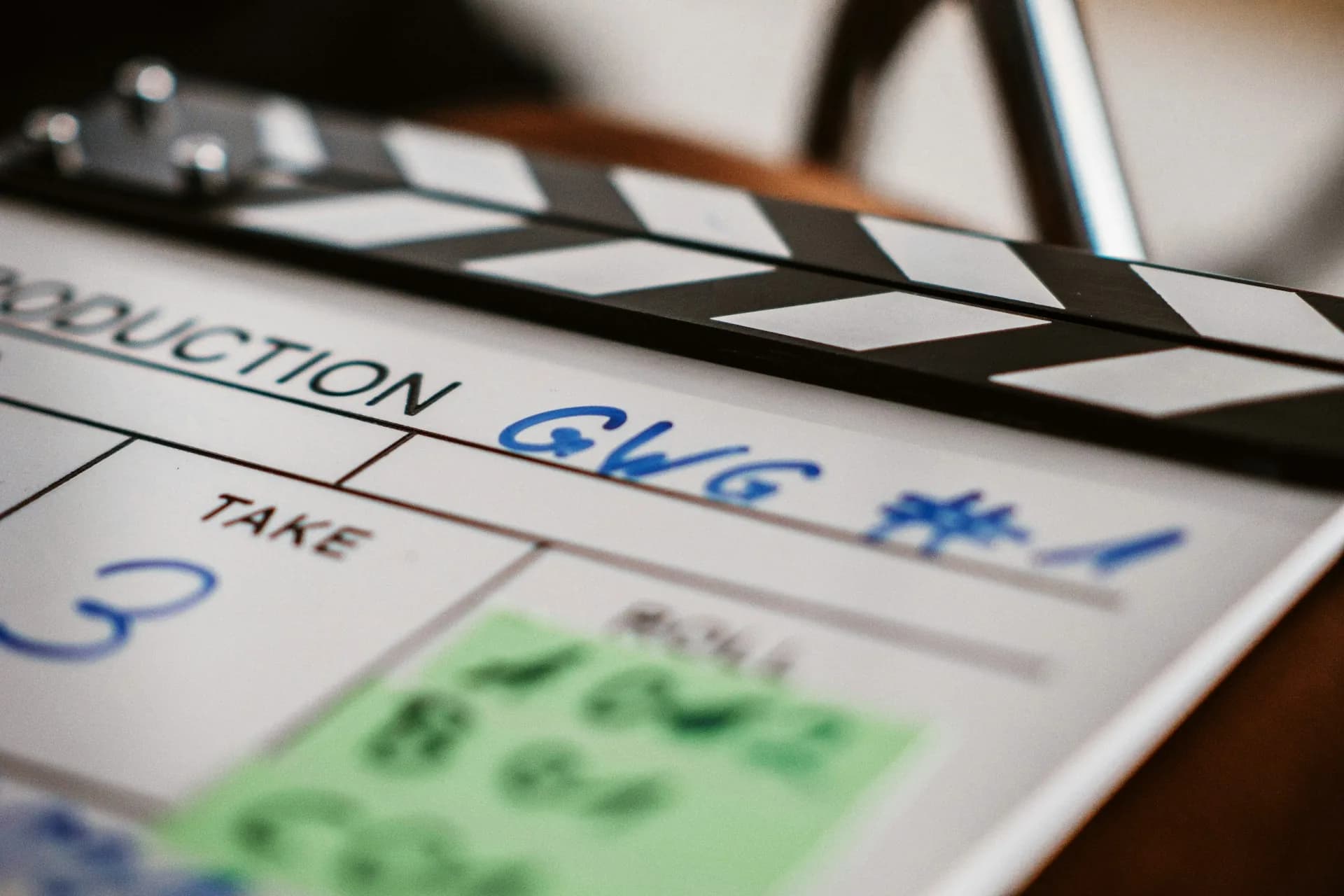
What a storyboard is and why it matters
A storyboard is a sequence of frames (sketches, reference photos or screenshots) that represents, shot by shot, what's going to be filmed. Each frame shows what appears on screen, how the camera moves and, where relevant, what the voice-over says or what on-screen text appears at that moment.
The real value isn't in the drawing. It's in the process of thinking the video through before you shoot. When you go over the storyboard with the client, you catch problems before they turn into reshoots or expensive post-production. A frame that doesn't work costs nothing. A scene you have to reshoot costs half a day.
You don't need to be able to draw. A box with a horizon line and a stick figure already tells you whether the shot is a wide or a close-up. What can't be missing is the intent: what I want the viewer to understand in that second.
How to prepare it properly
The basic structure: shot number, description and audio note
Each frame captures three things: what's seen on screen (composition, people, background), the type of camera movement (static, tracking shot, pan) and the voice-over text or caption that appears. If the production has a narrated script, the storyboard is tied to it: each paragraph has its corresponding shots noted in the margin.
Tools if you can't draw well
I use Canva for the more visual storyboards: it has templates where you drag in reference photos, stock images or photos of the space you're going to film. For more technical projects, a spreadsheet with three columns is enough: shot number, description and audio note. Another approach that works is doing a photo walkthrough of the location before the shoot, with numbered photos and a note underneath each one. Technically, that's a storyboard, and any client can follow it.
How to present it to the client
When I present the storyboard, I go shot by shot, talking it through out loud: 'Here we open with a wide shot of the reception area, the voice-over comes in with the first message, and then we cut to a close-up of the product on the table.' The goal is for the client to be able to follow the video in their head before it exists. If something doesn't sit right with them, it's far better to find out in this meeting than during the edit.
When it makes sense to use one (and when you can skip it)
- For videos with a narrated script: the voice-over sets the pace and every shot has to match a specific line. Without a storyboard, the edit becomes a puzzle that's hard to solve.
- When you can't scout the location before filming: you plan from photos or floor plans of the space and arrive at the shoot with the decisions already made.
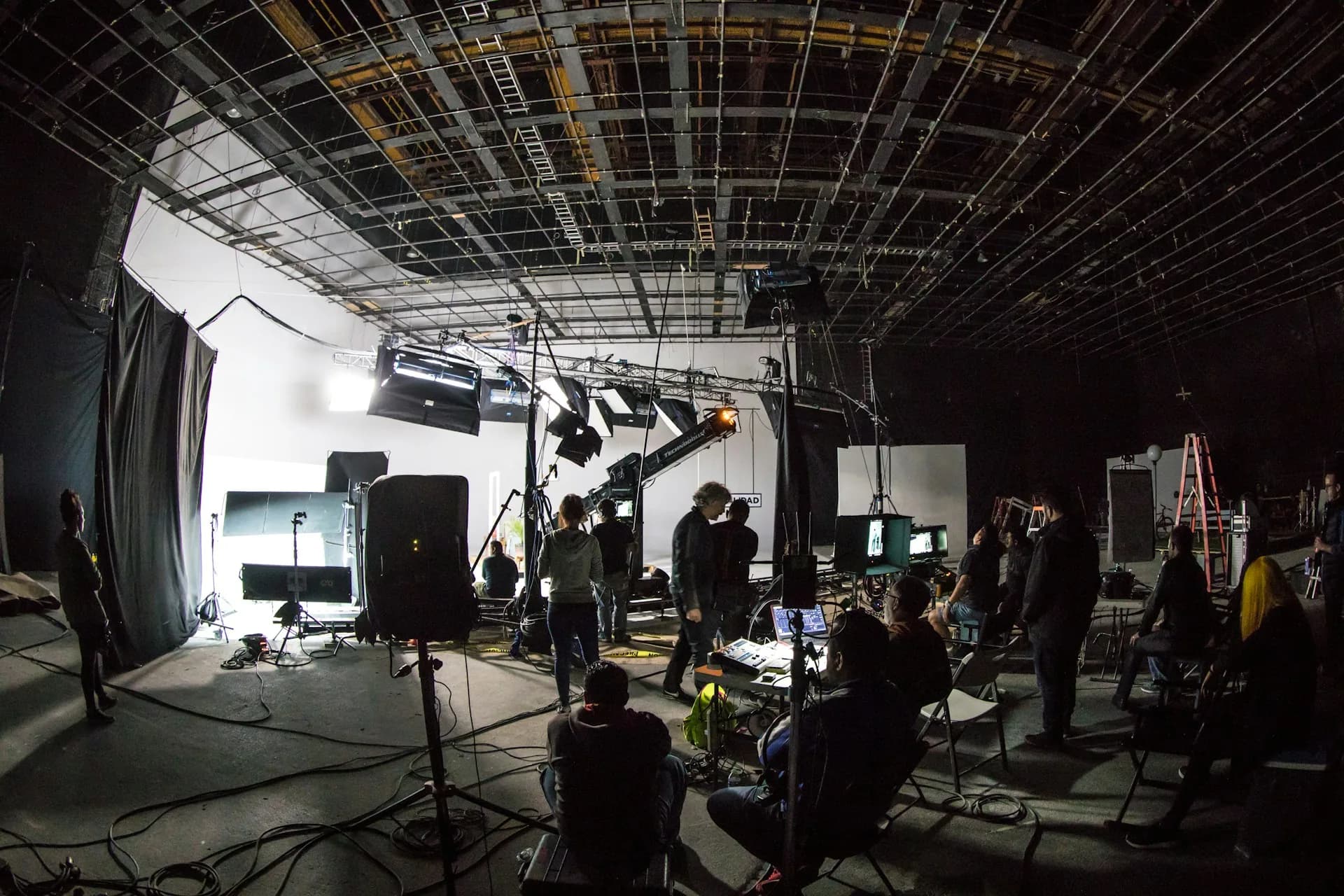
- On productions with a larger crew (director of photography, gaffer, make-up artist): everyone works from the same document and there are no misunderstandings on set.
- For documentary-style shoots or event coverage: it isn't worth it. Reality is in charge and a storyboard is surplus to requirements.
- When the budget is tight: preparing the storyboard properly reduces shooting time and, therefore, the total cost of the project.
- For simple single-camera, single-topic videos: a shot list is enough.
Frequently asked questions
How many frames does a corporate video storyboard need?
It depends on the length and complexity. A 2-minute video usually has between 15 and 25 frames. If there are lots of quick cuts, it can reach 40. There's no right number; there's the number that lets you explain the video unambiguously before you shoot.
Who prepares the storyboard, the client or the filmmaker?
The filmmaker prepares it, with input from the client at the review stage. The client doesn't draw anything; they just say whether what they see in the frames matches what they have in mind. Corrections are made on the storyboard, not on the finished edit.
Can I use reference photos instead of drawings?
Yes. That's what I do most of the time. Photos of the location, stock images or frames from other videos that convey the style. Drawing is just one way of representing the planned image, not the only one and not necessarily the best.
Is the storyboard binding during the shoot?
No. It's a guide. If something doesn't work as planned during filming, you change the shot. The storyboard is a pre-production tool: it reduces uncertainty, it doesn't eliminate it.
If you have a production in mind and don't know where to start, a storyboard, even a simple one, is the first thing that brings order. If you'd like us to prepare it together before the shoot, tell me about your project through the contact page.