Blog / Guide
AI in corporate video post-production: what I use and what I don't
A look at which corporate video post-production tasks I already hand off to artificial intelligence tools, which I still do by hand and why human judgment still makes the difference.
Three years ago I transcribed interviews by listening to the audio twice and taking notes by hand. Today I upload the file, get the transcript in minutes and search for the exact line with Ctrl+F. That's AI in post-production, and there's nothing spectacular about it: it's a tool that takes hours of mechanical work off my plate.
What has changed over the last couple of years is the number of tasks that can be automated without losing quality. But I've also seen corporate videos that clearly ran on autopilot: flat pacing, generic transitions, a script that says nothing because an AI wrote it without a real brief. Here's where I use these tools and where I don't touch them.
What it is and why it matters
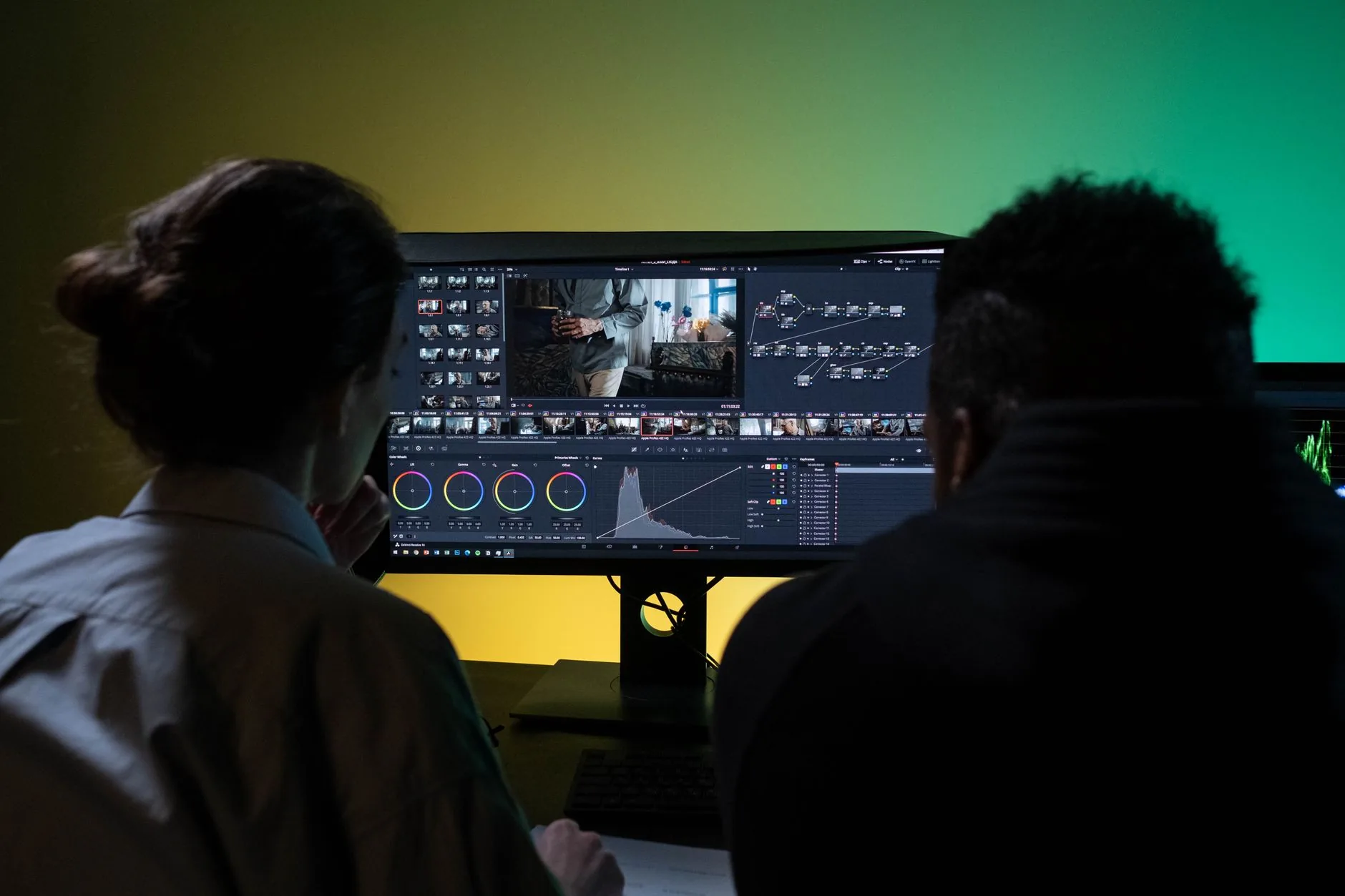
When I talk about AI in post-production, I don't mean generating video from scratch with a prompt. I mean specific tools that speed up repetitive tasks within a traditional editing workflow: automatic transcription, subtitling, noise reduction, preliminary take selection by keyword.
It matters because much of the post-production time on a corporate video goes into tasks that don't require editorial judgment: syncing audio, finding the exact moment the interviewee says a particular line, cleaning up background noise. Automating that frees up more hours for what does require an eye: pacing, shot selection, the story.
The risk comes when the part that shouldn't be automated gets automated too. A script generated without knowing the real client, an edit whose cuts follow a generic template pattern: it shows, and in corporate video credibility is half the product.
How to do it well
Transcription and finding soundbites
I upload every interview to an automatic transcription tool before editing anything. In twenty minutes I have the full text with timestamps. From there I search by word and jump straight to the exact second in the original clip, instead of scrubbing blindly. On a 40-minute interview this easily saves an hour of viewing.
Subtitling and audio cleanup
I generate automatic subtitles as a first pass and then review them by hand, because proper names and the client's technical terms almost always come out wrong. For audio, I use AI noise reduction on takes recorded on a plant floor or outdoors in the wind; it's faster and cleaner than a manual EQ filter.
What I still do by hand
The order of the edit, the rhythm of the cuts and which line opens the video are decisions I make myself, after watching all the footage at least once. No tool knows the client's context, what they want to convey or which line sounds forced even when it's well delivered. I don't delegate that, because it's the part that really determines whether the video works.
Common mistakes
- Leaving automatic subtitles unreviewed, with proper names and figures transcribed incorrectly.
- Generating the entire script with AI without giving it real context about the client or the video's goal.
- Using automatic editing templates that impose a cutting rhythm unrelated to the story being told.
- Applying noise reduction too aggressively and losing the natural sound of the interviewee's voice.
- Not reviewing the final result point by point before delivery, trusting that the tool got it right.
Frequently asked questions
Can you tell if a corporate video was edited with AI?
You can tell if the AI decided the pace of the edit or wrote the script without human judgment behind it. You can't tell if it was only used to transcribe, subtitle or clean up audio, because those tasks don't change the video's narrative.
Can AI replace the editor on a corporate video?
Not for the decisions that matter: what to tell, in what order and at what pace. It can replace mechanical tasks like transcription or a first pass of subtitles, but editorial selection is still human work.
Which AI tools are commonly used in post-production?
Automatic transcription, AI-assisted noise reduction and subtitle generation are the most widespread. DaVinci Resolve already integrates several of these features within its own editing workflow.
Does using these tools increase the price of a corporate video?
No, quite the opposite: they cut the hours spent on mechanical tasks, which frees up more time for the edit and keeps the budget the same without cutting quality where judgment really counts.
If you want a corporate video with a carefully handled post-production process, where technology speeds up the mechanical work but judgment stays human, get in touch via /en/contacto and let's talk about your project.