Blog / Guide
Corporate video for hybrid events: in-person and streaming at once
How I approach filming a hybrid corporate event so it works well both for the in-person audience and for those following the live stream.
The first hybrid event I filmed was the annual results presentation of a mid-sized company in Madrid. There were a hundred people in the room and as many connected by streaming. Until that day I had treated streaming as an extra: a fixed camera at the back of the room recording what the in-person audience saw. When I reviewed the recording with the client, it was clear the remote audience had watched a flat talk, with poorly planned sound and framing designed for people physically there, not for people watching a screen.
Since then I treat a hybrid event as two productions that share a space and a schedule, not one with an add-on. This is what I check before accepting to cover one.
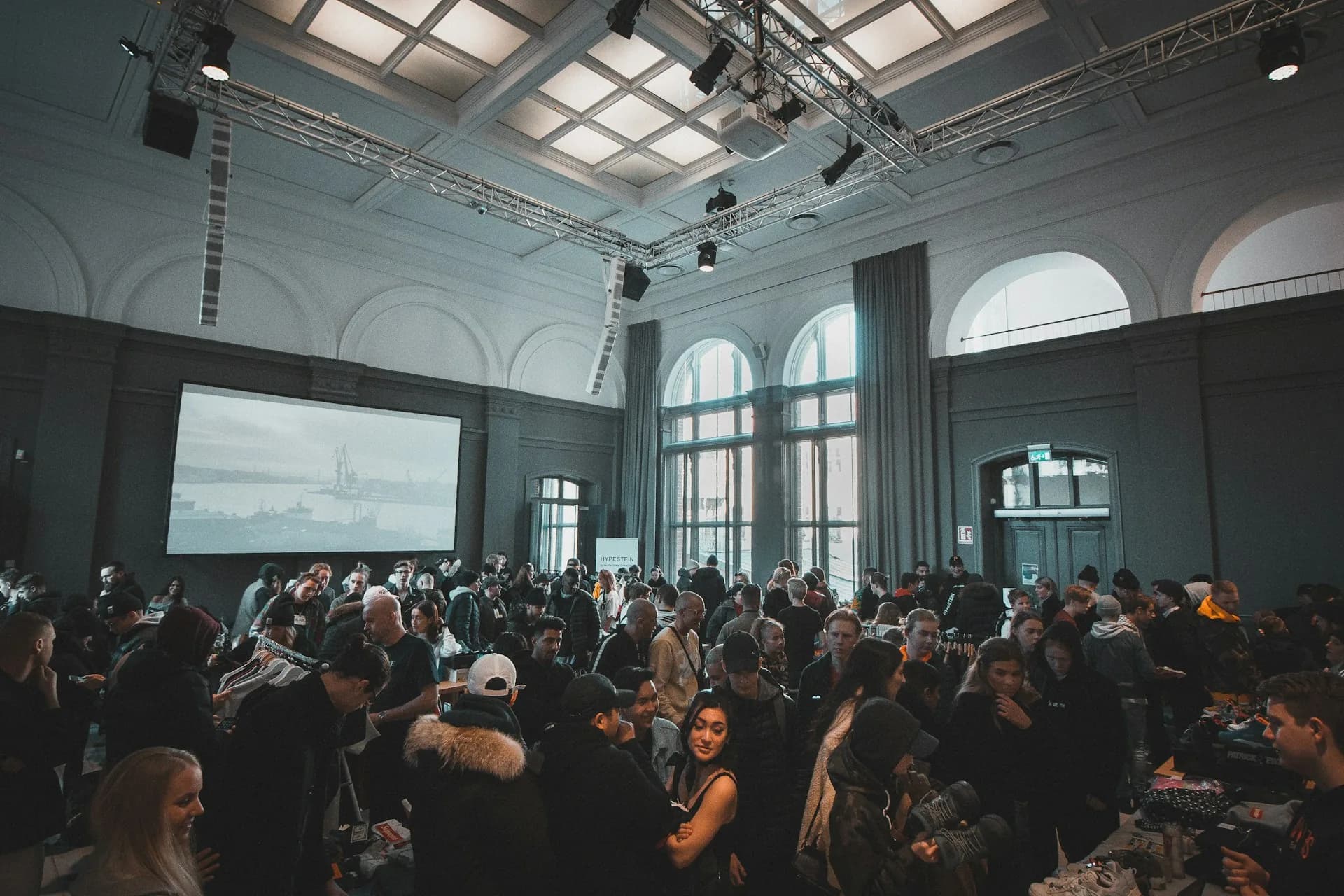
What a hybrid corporate event is and why it's requested more and more
A hybrid event brings together an in-person audience in a room with an audience following the same event live from home or the office, usually through a private stream or on a platform such as YouTube or Teams. Companies with offices in several cities ask for them, as do companies that want to reach clients who can't travel, or brands that want the event recorded and available afterwards without relying only on those who attended.
The reason I'm asked for them more and more is simple: the cost of connecting a hundred more people by streaming is a fraction of the cost of those hundred people travelling. But that economic advantage only holds if the stream looks and sounds good. If not, the in-person event goes well and the online version goes badly, and that second half of the audience is left with the worst impression.
How I plan it so it works for both parts
Cameras and framing designed for the screen, not just the room
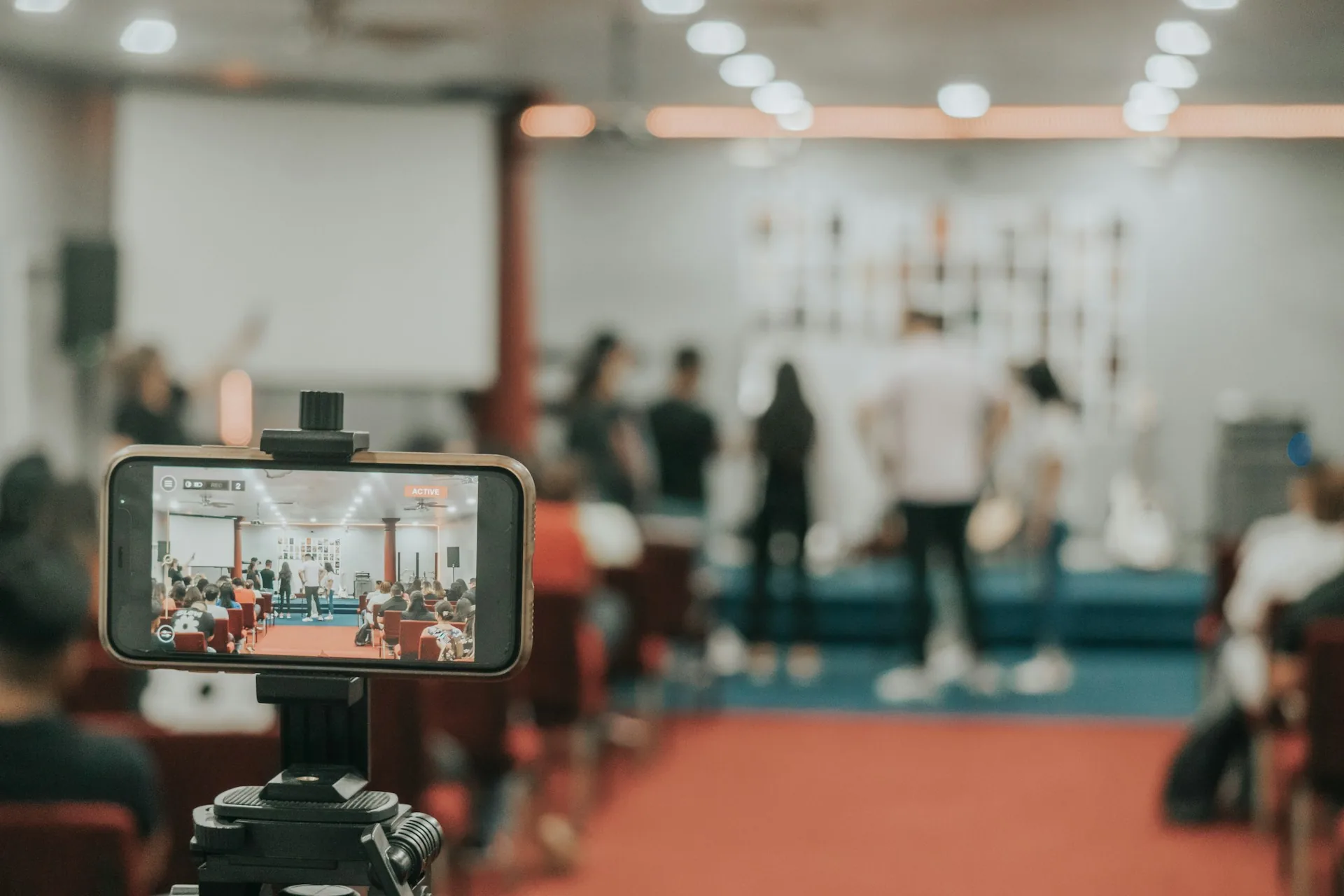
At a purely in-person event, a wide shot of the stage works because the human eye compensates for the distance. On a screen, that same shot looks small and weak. For streaming I work with more close-ups and medium shots, I switch cameras more often than in a recording just for the archive, and I keep a fixed safety camera in case the live cut fails.
Sound: the part that fails most in streaming
Room sound and streaming sound are different things. The room's PA is designed to fill the physical space, not to be picked up cleanly by a camera microphone. I always take a direct audio feed from the event's mixing desk to my recording equipment, in parallel with ambient microphones. If the speaker wears a bodypack or a lavalier, even better: that signal is clean without depending on the room's speakers.
Connectivity and internet redundancy
I never depend on a single connection for streaming. I bring a router with mobile data as a backup to the venue's wifi or cable, and I run a real upload test (not just a download speed test) half an hour before starting. A three-minute outage in the middle of the managing director's speech is the kind of failure the client remembers long after forgetting everything else about the event.
Common mistakes
- Using the camera microphone as the only audio source for the stream, instead of a direct feed from the mixing desk.
- Not testing the upload connection with the venue's real bandwidth, and finding the problem once the event has started.
- Treating the remote audience as secondary: with no moderator reading their questions and no window to see them, they drop off after ten minutes.
- Not recording a local copy on the camera as well as streaming live: if the stream fails, you're left with nothing to deliver afterwards.
- Forgetting subtitles or a basic transcript for the recorded version, which is what most of the remote audience ends up watching later rather than live.
Frequently asked questions
How many people are needed to cover a hybrid event properly?
For a one-day event with one stage and one room, at least two people: one managing cameras and the live cut, the other watching the stream signal and solving technical issues without interrupting the recording.
Which streaming platform is best for a corporate event?
It depends on the audience. For an internal call, Teams or Zoom is usually enough. For an external or press audience, I prefer a private YouTube or Vimeo link, which gives more control over image quality and doesn't depend on every attendee having an account on a specific platform.
Does live streaming replace the event recap video?
No. They are different deliverables. The stream covers the live event, with its imperfections and real pace. The recap video is edited afterwards, with the best moments, clean cuts and a length designed for social media, not to be watched in full.
How long before should the streaming equipment be tested in the room?
At least the day before if the venue allows it, or two hours before if you only have access on the same day. That test has to include the space's real internet connection, not a simulation from somewhere else.
If you have a corporate event with an in-person and an online part, tell me the format and capacity via /en/contact. With that I'll tell you what equipment and how much testing time you need before the date.