Blog / Guide
How to film in an office without disrupting your team's work
Filming a corporate video in an office during working hours has its own logistics. Here's how I organize the shoot so the team's day-to-day operations don't stop.
The first time I filmed inside an office during working hours, I learned that the problem wasn't the camera. It was the people working around it. A poorly planned shoot in a real workplace can stop meetings, block hallways and leave half the team annoyed before you've filmed your first shot.
I've spent years filming corporate video inside busy offices in Madrid, with people working just a few feet from the crew. Here's how I organize the shoot so the company keeps running while I film.

Why logistics matter as much as the image
A corporate video filmed in an office isn't just about framing. It's about whether you get the footage you need without creating friction with the people who are still working. If the shoot gets in the way, the client notices, the team talks about it and next time you'll face more obstacles to film there again.
An office isn't a set. There are calls in progress, meetings that can't be moved and people who haven't signed up to appear on camera that day. Each of those factors shapes where you can move and when.
When I plan the shoot well, most employees don't even realize there was a shoot until they see the finished video. That's the sign the logistics worked.
How I organize the shoot
Before arriving: scheduling and notifying the team
I always ask for the day's room and meeting calendar before setting the filming window. The best times are usually first thing in the morning, before the office fills up, or right after lunch, when calls slow down. I ask my contact at the company to send the team a short email: which day, which areas, and that nobody is obliged to appear on camera if they don't want to.
Compact gear so you can move fast
In an office I work handheld or on a lightweight tripod, almost never with dolly tracks or big lights unless the scene calls for it. The bulkier the setup, the longer it takes to move between areas and the more noticeable the crew becomes. A couple of small LED panels and a lavalier mic cover most office shots without having to block a hallway.
How I move without blocking the space
I film in short blocks, 10 to 15 minutes per area, and clear the space as soon as I have the shot. If I need to repeat a take, I'd rather come back to that area later than keep someone standing around while I adjust the camera. I also avoid filming with my back to entrances: people need to be able to get through without walking around the crew or waiting for me to call “cut.”
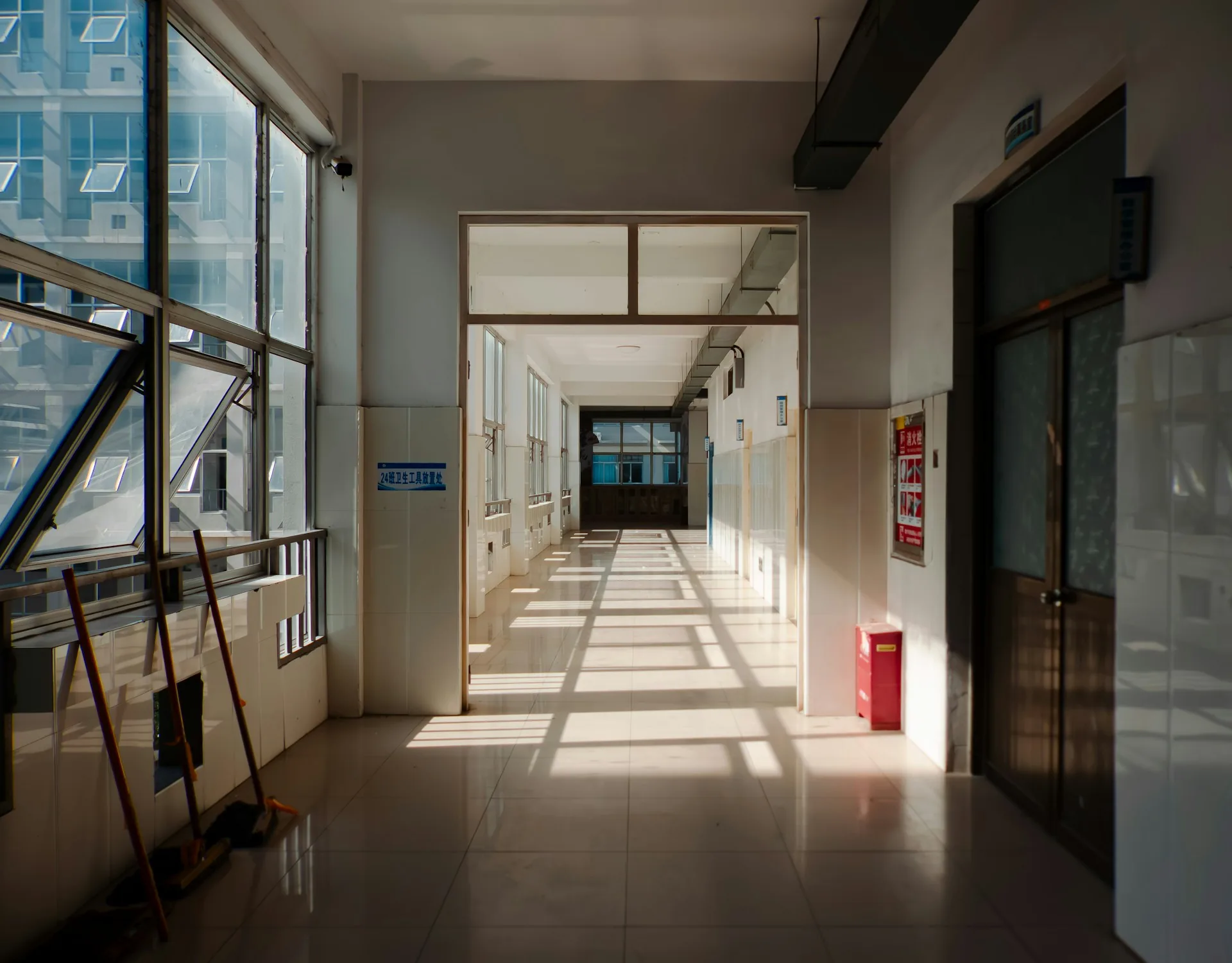
When I have to film near active workstations, I ask the employee to carry on with what they're doing instead of pretending to work. An improvised actor typing gibberish is obvious a mile away in the final edit. I prefer shots where the person is doing something real, even if they have to repeat the gesture two or three times so it looks natural on camera.
Mistakes I avoid
- Scheduling the shoot without checking the company's meeting calendar.
- Setting up large gear in narrow hallways or areas people have to pass through.
- Filming someone without letting them know first, even if they're only seen from behind or in the background.
- Staying in one area longer than necessary for a take when people are waiting to get past.
- Asking an employee to pretend to work instead of letting them do their actual task.
- Not having a backup schedule if a room gets booked at the last minute.
Frequently asked questions
How much time do I need to block out in the office for filming?
For a standard corporate video covering several areas, 3 to 4 hours is usually enough, split into short blocks per space so no area is occupied for too long at a stretch.
Do all employees need to be notified, even if they won't be on camera?
Yes. Even if I'm only filming two or three people, I let the whole team in that area know in advance. It avoids surprised faces and reduces interruptions during the shoot.
Can you film during a normal workday without stopping activity?
Yes, if it's planned by time slots and areas. The key is not to occupy the same space for more than 15 minutes at a time and to avoid the busiest periods, such as early morning or standing meetings.
What do I do if an employee doesn't want to appear in the video?
You respect it without asking why. I change the framing or wait until that person isn't in the area I'm filming. Forcing someone who's uncomfortable to appear is never worth it.
If you need to film in your office and don't know how to fit it in without disrupting the team's day-to-day, write to me via /en/contacto and we'll work out the logistics together.