Blog / Guide
Green screen for corporate video: when it makes sense to use it
When it's worth shooting on green screen for a corporate video, what studio and equipment I need, and the lighting mistakes that ruin the chroma key in post-production.
I'm asked to shoot on green screen less often than people think. Most of the corporate videos I make are filmed in the client's actual office, in a meeting room or at their industrial facility, because a real setting brings a credibility no virtual background can replace. But there are projects where green screen genuinely solves a specific problem: when the same video needs different backgrounds for each market, when there's no presentable location, or when the speaker will be composited over data graphics.
Here I explain when I recommend green screen, what I need on set for a clean key and the mistakes I see again and again on improvised shoots with a green cloth bought online.

What it is and why it matters
Chroma key is a compositing technique: I film the subject against a background of a uniform color (almost always green, blue if they're wearing green) and in post-production I replace that color with another image or video. It works well for corporate videos with on-screen graphics, results presentations with data floating around the speaker, or pieces translated into several languages with a different background for each region.
It's important to decide on it before filming, not in post-production. Green screen requires specific lighting and a specific distance from the background; if it's shot without planning and then fixed in the edit, it shows: edges with a green halo, badly cut-out hair, shadows that give away the cloth.
You also have to weigh the cost. A well-executed green screen shoot needs a studio, additional lighting and more post-production hours than an interview filmed on location. It's only worth it when the virtual background adds something the real location can't.
How to do it well
Keep the subject at least two meters from the background
The most common mistake is standing the person right up against the green screen. I need at least two meters between subject and background so the green light doesn't spill onto skin or dark clothing. That distance also lets you throw the background out of focus, which helps the keying software separate the edges more cleanly.
Light the background separately from the subject
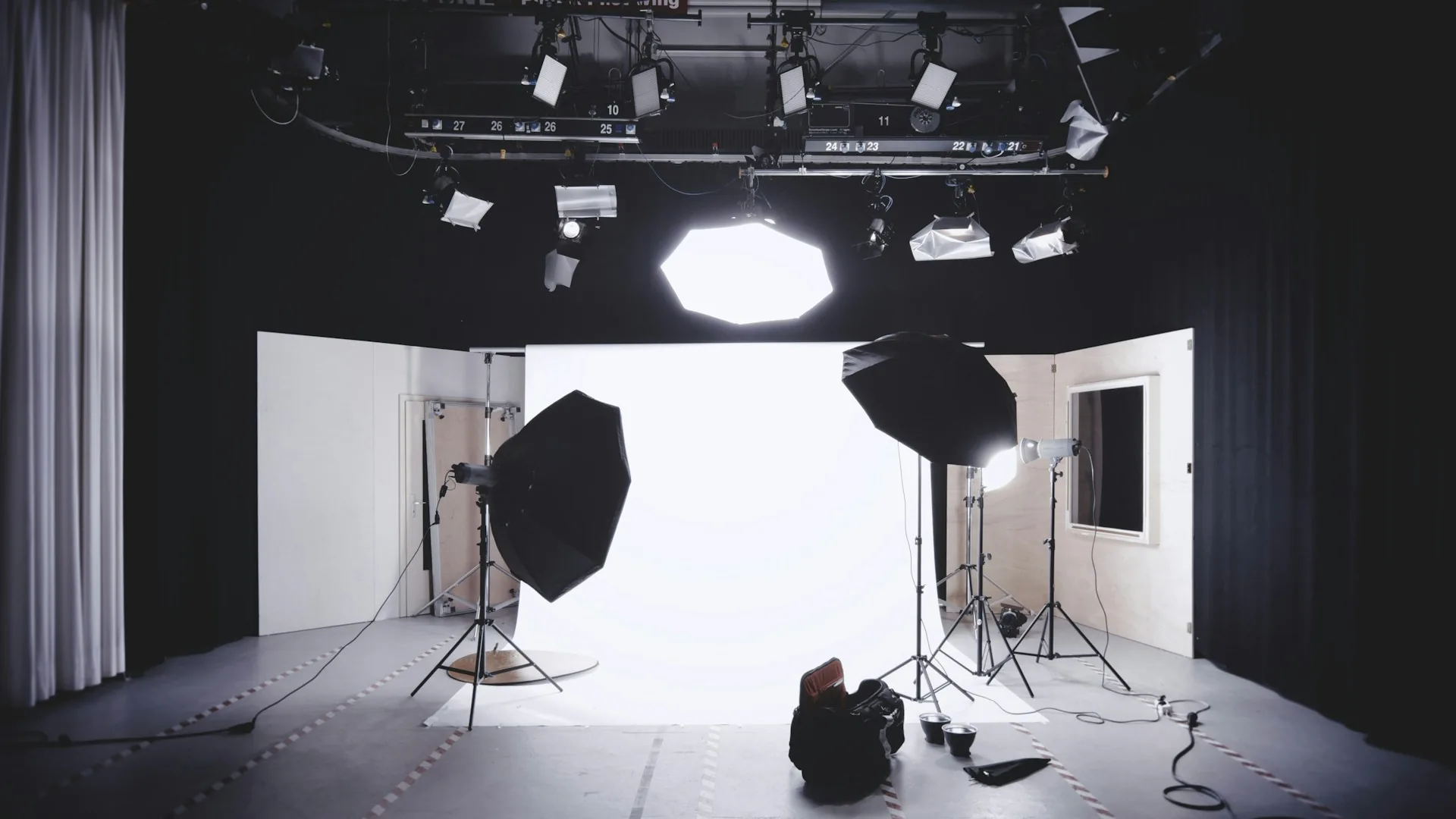
The green background needs its own lighting, even and shadow-free, independent of the lights I use for the subject. If I light it with the same fixtures, darker patches appear on the cloth that later create holes in the key. I usually use two panels on either side of the background, at the same height, so it's even from corner to corner.
Avoid clothing and accessories in the same shade as the screen
It sounds obvious, but it has slipped past me more than once: if the speaker is wearing a green shirt or glasses with a greenish reflection, those areas disappear when the key is applied. I check wardrobe before the session and ask for solid colors, neither green nor saturated blue, so separation in post-production is clean.
Common mistakes
- Shooting with too little distance between subject and background, which creates green halos in the hair and around the edges.
- Using a single light source for both subject and background, leaving some areas of the cloth darker than others.
- Recording in-camera with a low-quality codec, which makes a clean key harder in post-production.
- Choosing green screen by default when a real location would have made the message more credible.
- Not checking on the monitor how the keyed subject looks during the shoot itself, and only discovering the problem in the edit.
Frequently asked questions
Do I need a studio to shoot on green screen, or is a backdrop enough?
A taut, well-lit green screen backdrop can work for simple shots, but for a corporate video with camera movement I prefer a studio cyclorama: the curved, cornerless surface avoids shadows at the joins and gives a much cleaner result.
Green screen or blue screen: which should I use?
Almost always green, because digital cameras are more sensitive in that channel and it separates better in post-production. I only switch to blue if the subject is wearing green or has green elements in their wardrobe that can't be removed.
How much time does green screen add to post-production?
It depends on the shot, but I estimate an extra 30 to 60 minutes per minute of final video to clean up edges, fine-tune the key and composite the final background, compared with a standard edit without green screen.
Does green screen work well outdoors or only in a studio?
Outdoors it's much harder to control: the light changes, the wind moves the cloth and uneven shadows appear. If the project can be set up indoors with controlled lighting, I always recommend that over trying it outside.
If your corporate video needs different backgrounds for each market or you want to composite the speaker over data graphics, tell me about the project and I'll tell you whether green screen is the right solution or whether it's better approached another way. Get in touch via /en/contacto.