Blog / Guide
How to film an event with simultaneous interpretation in Madrid
How to film a conference or event with simultaneous interpretation in Madrid: what audio to request from the AV company, how to separate languages and how to deliver subtitled versions.
To film an event with simultaneous interpretation, you have to solve the audio before the picture. The usual approach is to ask the AV company for a clean feed from the mixing desk with the speaker's original voice, plus one feed for each interpreter channel, and to record them on separate tracks. That lets me cut one version per language afterwards.
It is a common case at international conferences and conventions in Madrid: the speaker talks in one language, the booths interpret live, and the client later wants a video that works for the whole audience. If the audio is not prepared with the interpretation provider, that recording is lost. Here is what I check before the event as Dani Acero.
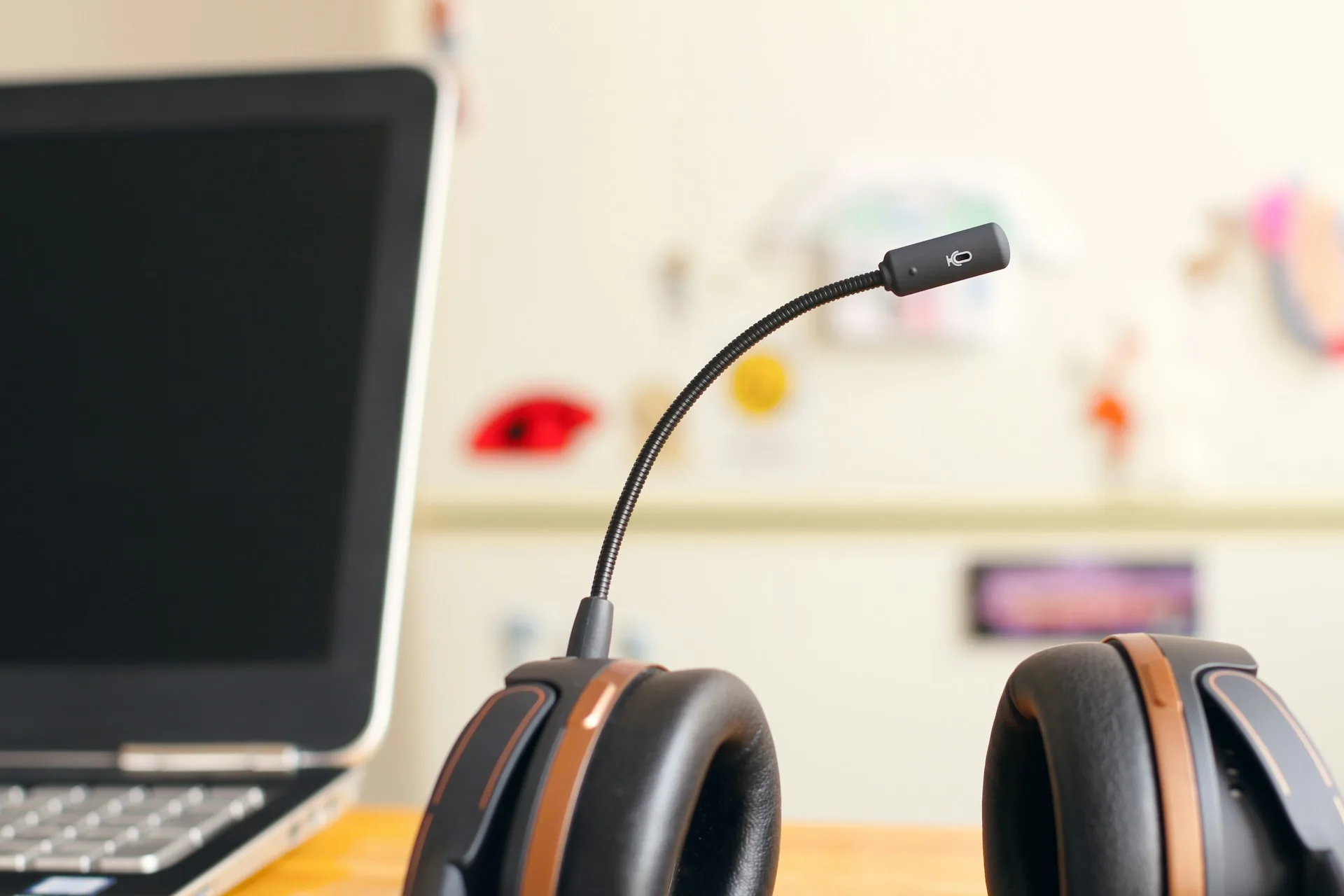
Why does simultaneous interpretation change how you film an event?
At an event without interpretation, an ambient microphone and the signal from the mixing desk are enough for the main audio. With interpretation, several voices run in parallel: the speaker in the room, one or more interpreters in booths and, sometimes, audience questions in a third language.
Interpreters work in booths with their own equipment and send their signal to the attendees' receivers. That signal does not reach my camera automatically. You have to ask for it, and it is best to do so early, because the company setting up the sound has to leave an output ready.
How do you prepare the audio to record several languages?
What to ask the AV company for
I ask for a line output from the desk with the room audio (the speaker's voice) and one output for each interpretation channel you want to keep. If the event has three languages, that is three channels plus the original. I confirm it in writing a week before and test it at the sound check, not during the first talk.
Record each channel on its own track
Each source goes to a different track on a separate audio recorder, in addition to the audio entering the camera as a backup. If everything is mixed into one track, you cannot remove an interpreter's voice later. Kept separate, I build one version per language in DaVinci Resolve without touching the picture.
Where to stand without disturbing the booths
Booths are usually at the back of the room or at one side, and interpreters need to see the speaker and the screen. We agree a camera position with the event manager that does not block their view or add noise. With two cameras, one fixed on the stage and one handheld with a telephoto lens, the room is covered without walking in front of anyone.
How do you deliver the video to an audience in several languages?
There are two usual ways. The first is one version per language, with the interpreter's voice over the video and the speaker's at low volume. The second is to keep the original audio and add subtitles in the languages you need. For LinkedIn, where almost everything is watched without sound, subtitles tend to work better.
If you want to publish the interpreter's voice, it is best to have their permission. This is a rights question that is settled before the event with the interpretation agency, not afterwards. I include it as a point on the preparation list with the client.
Common mistakes when filming events with interpretation
- Assuming the booth audio reaches the camera: you have to ask for the output and test it.
- Mixing all languages into one track and being unable to separate them later.
- Not talking to the interpretation agency about using their voice in the final video.
- Placing the camera blocking the booth's view or too close to it, adding fan noise and equipment handling.
- Not deciding beforehand which languages are delivered: each version adds hours of editing and review.
- Arriving at the sound check without time to check levels on each channel.
Frequently asked questions
Can you record the interpreters' audio at a conference?
Yes, if the AV company prepares an output from the desk for each interpretation channel. You need to ask for it before the event and also confirm with the interpretation agency that their voice can be used in the video.
Is it better to deliver the video with subtitles or with the interpreter's voice?
It depends on where it will be watched. For social media and LinkedIn, subtitles tend to work better because many people play videos without sound. For a full recording of the day, it makes sense to also offer a version with the interpreter audio.
How far in advance should the audio be coordinated?
A week before the event is comfortable, to confirm the audio outputs and run the sound check the day before or first thing in the morning. With less time it can be done, but with a higher risk of losing a channel.
How many cameras do you need at an event with booths?
For a day of talks, two cameras are usually enough: one fixed on the stage and one handheld for audience and detail shots. The number depends more on the event format than on the interpretation.
If you have an event in Madrid with simultaneous interpretation and want it filmed properly, write to me through /contacto with the date, the venue, the languages and what you want to receive. I will reply with an audio plan and an itemised quote. If you want more information about this kind of service, there is /video-eventos-madrid.