Blog / Guide
How to record a corporate webinar so it looks good and can be reused
How to record a corporate webinar: equipment, sound, light, platform and post-production so it looks professional and works as on-demand video.
To record a corporate webinar that looks professional you need three things: a dedicated microphone less than 30 centimetres from the speaker, soft frontal light and a local backup recording, on top of the one the platform makes. That solves most of the usual problems.
The recording that Zoom, Teams or any webinar platform generates compresses the video and mixes everyone's audio together. It is fine for archiving the event, but not for reusing it as content. If you want to turn the webinar into on-demand video or LinkedIn clips, you need to record it with more care from the start.
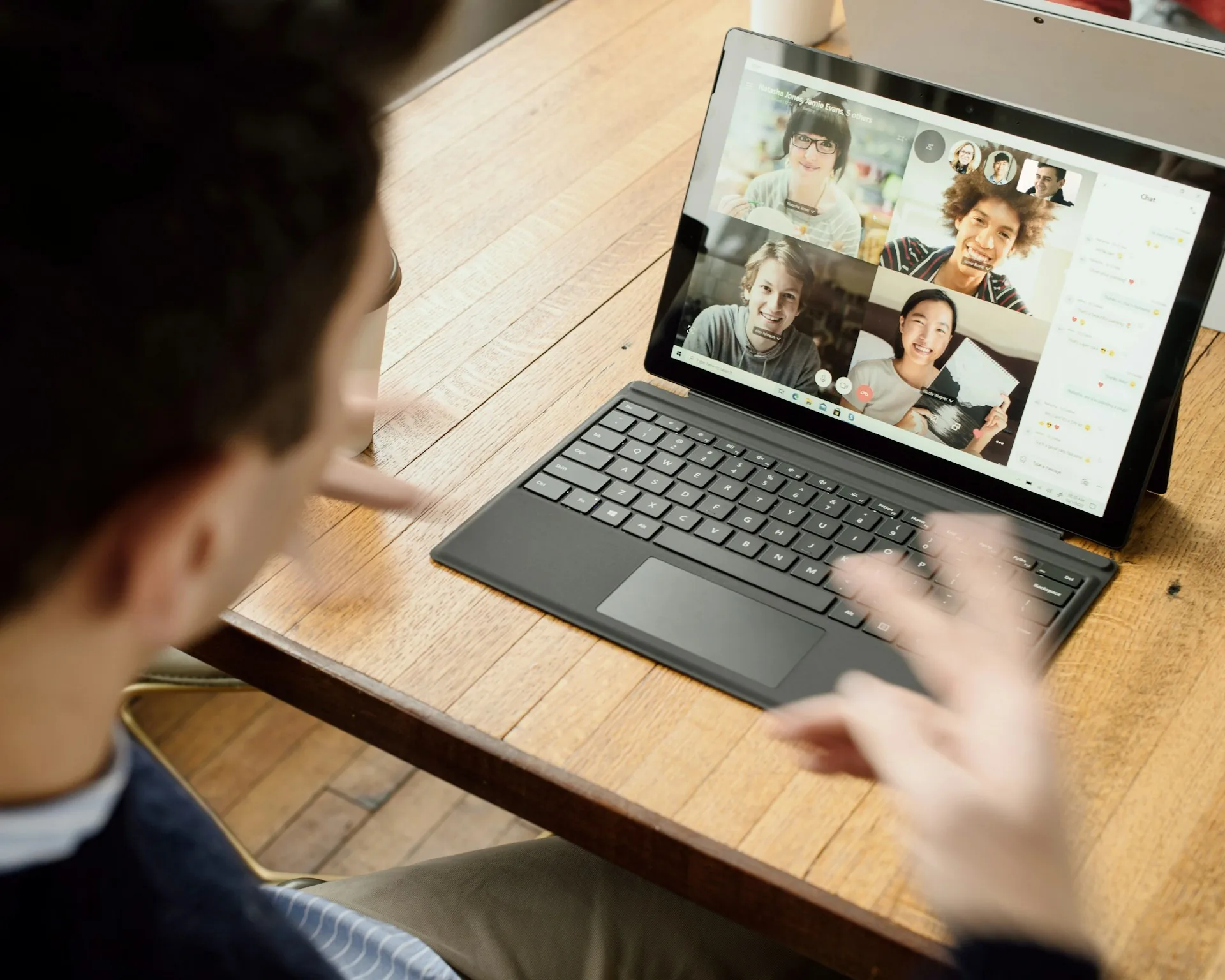
What is a corporate webinar and why does it deserve a good recording?
It is a live presentation, usually 30 to 60 minutes long, with one or more speakers and a Q&A. Companies use it to capture leads, train clients, present a product or brief teams spread across several offices.
Only part of the people who sign up watch the live session. The rest watch the recording over the following weeks. If the sound is poor or the speaker is backlit, the footage cannot be reused and you lose the value of half the work.
How to record a corporate webinar step by step
Sound: the thing people notice most
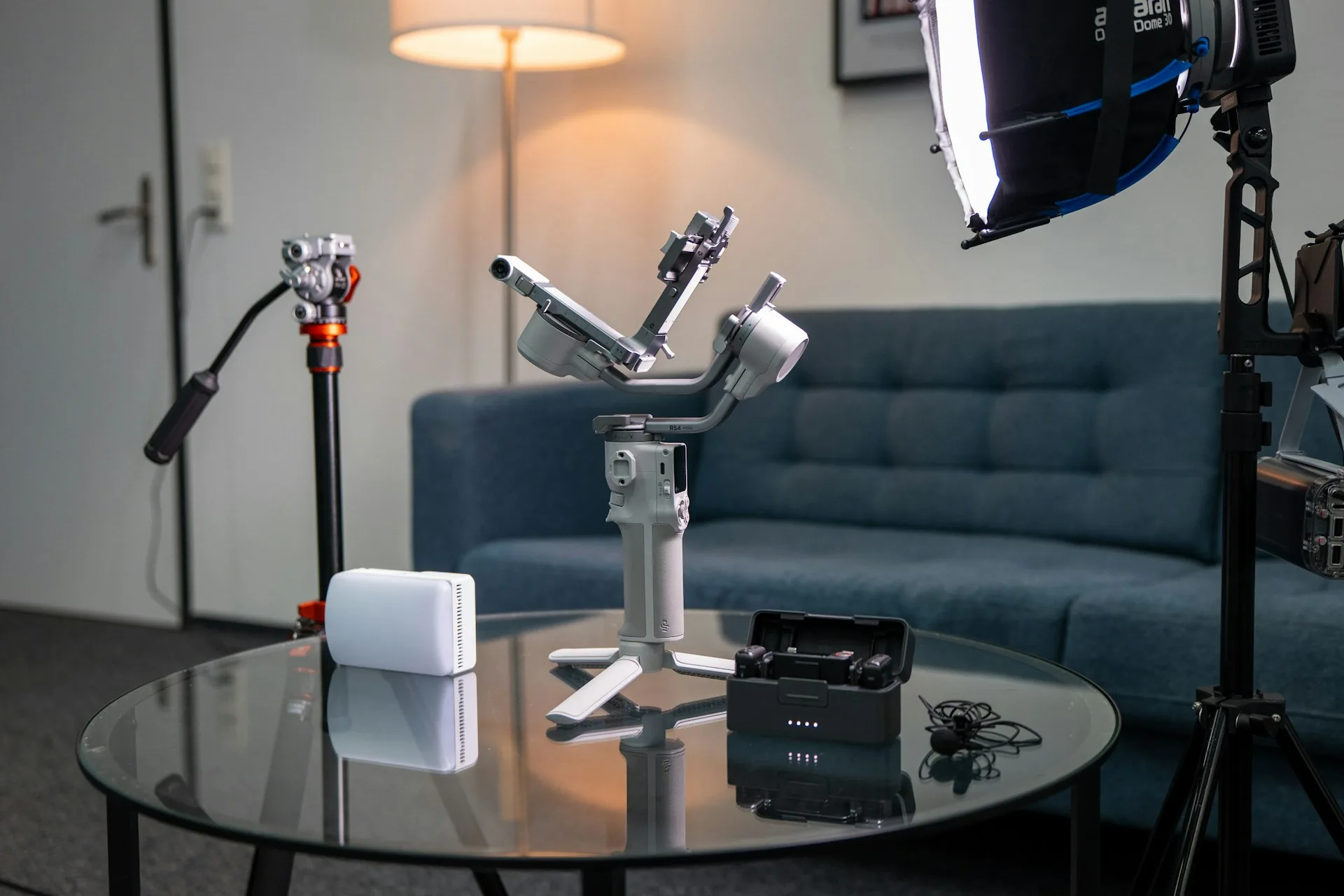
Audio decides whether people watch the whole webinar. I use a lavalier or a desktop dynamic microphone on a boom arm, always close to the mouth, and I ask the speaker to wear headphones to avoid echo. I also record the audio on a separate device in case the connection fails during the live session.
Picture and light: one camera at eye level
A laptop camera looks up from below and distorts the face. I prefer an external camera, such as a Sony A7 or a good webcam, at eye level with a soft LED panel at 45 degrees. The background should be tidy and without windows behind, so the exposure does not change with the time of day.
Platform and local recording: always two copies
For the live session I use the platform your attendees already know. In parallel I record the camera, the audio and the presentation screen locally, as separate files. If the connection drops or the platform fails, you do not lose the content, and in editing I can rebuild the picture from the original material.
What to do afterwards: editing and reusing the webinar
From a one-hour live session I produce a clean full version, without waiting time or silences, and three to five clips of 45 to 90 seconds with the most useful answers. I add subtitles, lower thirds with the speaker's name and job title, and a cover consistent with your brand. Delivery usually takes three to five working days.
For webinars with an audience in Madrid or speakers in the office, I can record in your room or in my studio, with two cameras and a sound mix. For fully remote webinars, I prepare the speaker in a 15-minute technical test the day before.
Common mistakes when recording a corporate webinar
- Relying only on the platform's recording, with no local backup copy.
- Using the laptop microphone or speakers, which create echo and keyboard noise.
- Leaving a window behind the speaker, with light that changes during the live session.
- Sharing the screen with open notifications, personal tabs or client data.
- Skipping a technical test with the speaker and their connection beforehand.
- Publishing the full recording with no cuts or subtitles, without thinking about social clips.
Frequently asked questions
How much does it cost to record a corporate webinar?
It depends on whether it is remote or in person and on the editing afterwards. A webinar with remote production, local recording and one edited version usually runs between 500 and 1,200 euros. If I film it in person with two cameras and social clips, the quote goes up and I prepare it itemised.
Can I just use the Zoom or Teams recording?
Yes, to archive the event or share it internally. To reuse it as on-demand video or clips, it is better to have a local copy with better picture quality and separate audio.
How long should a corporate webinar be?
Between 30 and 45 minutes of content plus 10 or 15 of questions works well. Past an hour, attention drops. I edit the on-demand version shorter, removing waiting time and less useful parts.
What does the speaker need to record from home?
A stable wired or wifi connection, headphones, a decent microphone and soft frontal light. With a 15-minute test before the event I fix most framing, sound and connection problems.
If you are preparing a webinar and want the recording to be reusable, write to me from /contacto with the date, the format and the number of speakers. I will propose a production plan and a fixed quote. My video services for companies are on /servicios.