Blog / Guide
Backup and file management on a corporate shoot: how not to lose footage
How I organise backup and file management during a corporate shoot: the three-copy rule, checksum verification and folder naming.
Every corporate shoot ends with memory cards full of footage that can't be recreated. If it's a full-day interview with the CEO, there's no way to record that conversation again if a drive fails the next day. That's why backup isn't an optional step at the end of the day: it's part of the shoot itself.
I've been shooting corporate video in Madrid for years and my backup protocol is as automated as the shoot itself. It isn't complicated, but it takes discipline: doing it the same way, in the same order, every time, even when it's late and the laptop battery is low.
What it is and why it matters
Backup on a corporate shoot means copying the recorded footage from the memory card to at least two different locations before formatting that card to use it again. It sounds obvious, but it's the step that gets skipped most often when there's a rush to pack up the gear or get to the next shoot.
It matters because the cost of losing footage isn't only financial. It's the client's time, the availability of the CEO or the team in the video, and the reputation of whoever shot it. A backup failure on an event shoot, where there's no second chance, can mean redoing months of planning.
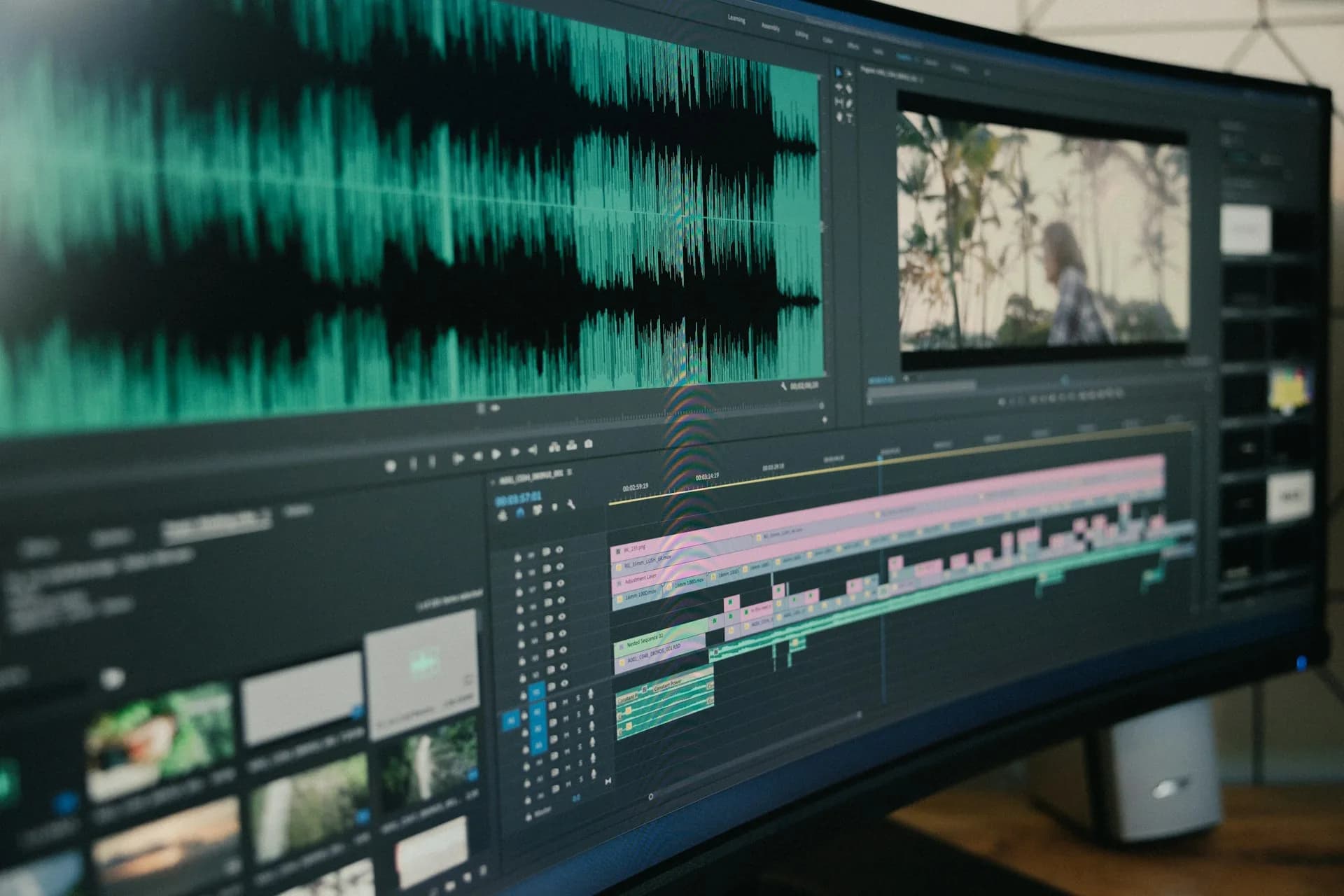
On top of that, on projects with several shooting days or several cameras, the volume of files grows fast. A day with two 4K cameras can easily produce between 300 and 500 GB. Without a clear system for copying and naming, it's easy to lose track of which card has already been copied and which hasn't.
How to do it well
The three-copy rule
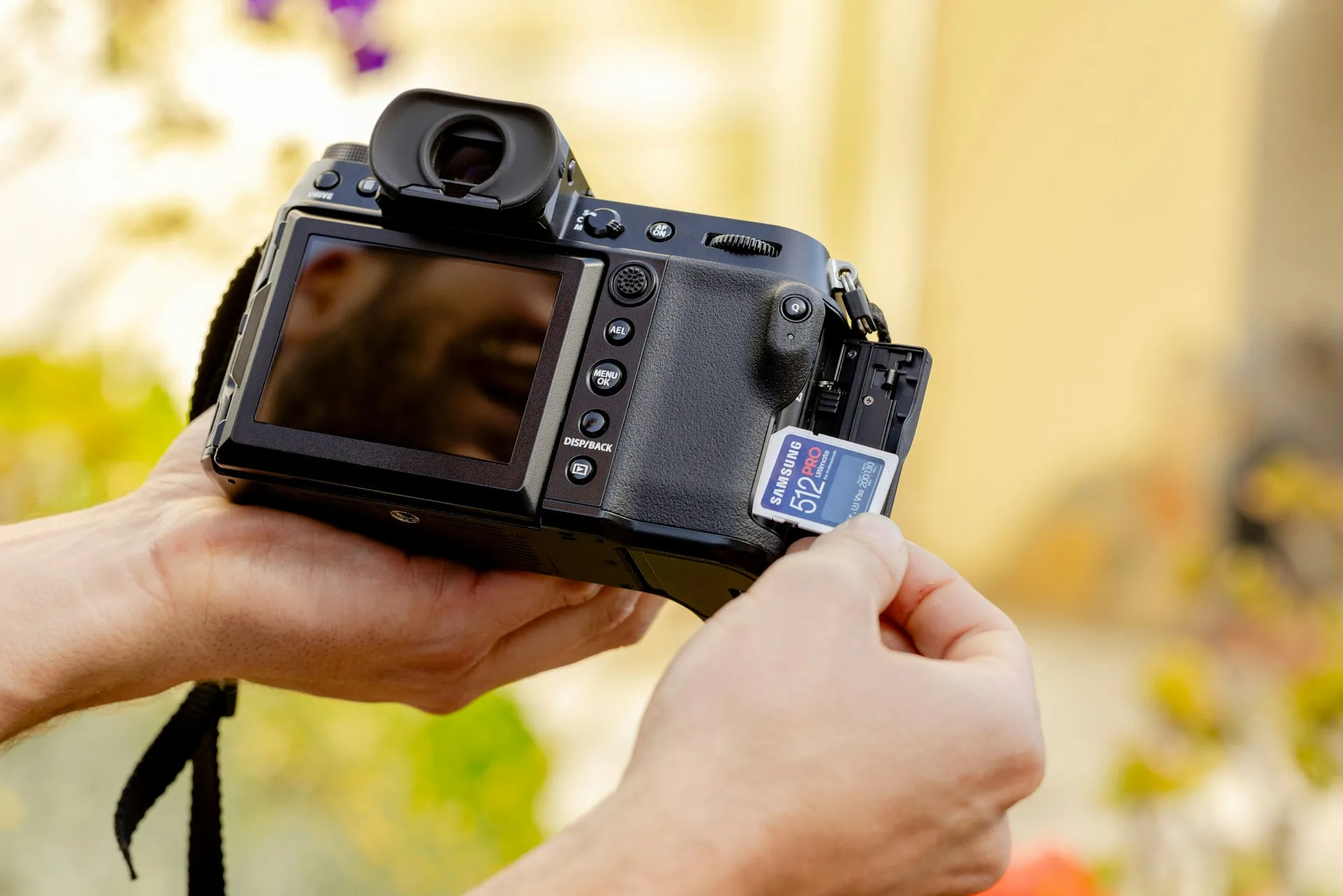
I apply the classic backup rule: at least three copies, on two different media, and one away from the shoot location. In practice that's the original card, which I don't erase until I get home, a copy on an SSD I carry in my backpack, and a second copy on another drive or in the cloud once I'm back at the studio. I don't format any card until all three copies are verified.
Checksum verification before wiping the card
Copying isn't enough: you have to verify that the copy is identical to the original. I use tools like Hedge or ShotPut Pro that compare checksums, a digital fingerprint of the file, between the original and the copy. If the checksum matches, the copy is reliable. Only then do I format the card, never before.
Folder organisation and naming from the shoot onwards
I name folders by date and project from the very first offload: 2026-09-18_client_camera-A. Inside, subfolders by card or by sound. This avoids the chaos of forty folders with no logic when I get to editing in DaVinci Resolve, and it means anyone on the team can find a file without having to ask me.
Common mistakes
- Formatting the card straight after copying, without verifying the copy with a checksum.
- Keeping the only backup on the same drive I use every day, with no real redundancy.
- Not labelling cards that have already been copied, mixing them up with those still pending.
- Leaving all the backup until the end of the day, when there's more tiredness and more rush to pack up.
- Trusting the cloud to upload the footage on its own without checking the upload has finished before leaving a location with poor coverage.
- Having no copy outside the physical shoot location or the office, which gives no protection against theft or fire.
Frequently asked questions
How many copies do I really need for a corporate shoot?
With three different media, the original card, a field drive and a drive or cloud copy at the studio, I cover most scenarios. For big projects, with a budget at stake, I add an extra copy on a drive that is kept away from my office.
What if I don't have time to back up at the shoot itself?
If it's a one-day shoot and I go straight back to the studio, I can wait until I get there. But on multi-day shoots or outside Madrid, I back up every night. I don't let uncopied footage pile up, because the risk of losing several days of shooting is too high.
Do I need specific hard drives or will any do?
I use SSDs for field backup because they're more resistant to knocks and vibration than mechanical drives. For long-term storage at the studio, higher-capacity mechanical drives are enough and cheaper.
How long do I keep the footage after delivering the video?
It depends on the contract, but I usually keep the raw footage for between six months and a year after final delivery, in case a revision or an extra piece is needed. After that I archive it on a long-term storage drive and free up working space.
If you're organising a corporate shoot and want the footage to reach post-production without any surprises, get in touch via /en/contact and I'll tell you how I'd approach it for your project.