Blog / Guide
How to film a corporate round table or panel discussion
How I plan cameras, audio and lighting to film a round table or panel with several speakers at a corporate event, without missing a single contribution.
A round table isn't an interview with more people in front of the camera. It changes the number of cameras I need, the audio gets more complicated with every speaker added and the rhythm of the conversation calls for a different edit from a single-person interview.
In this guide I explain how I approach filming a corporate panel or round table with three or four speakers: which cameras I use, how I handle audio so no contribution gets lost, how I coordinate the camera operators during the session and which mistakes I see again and again when someone tries to film it using the same setup as a one-to-one interview.
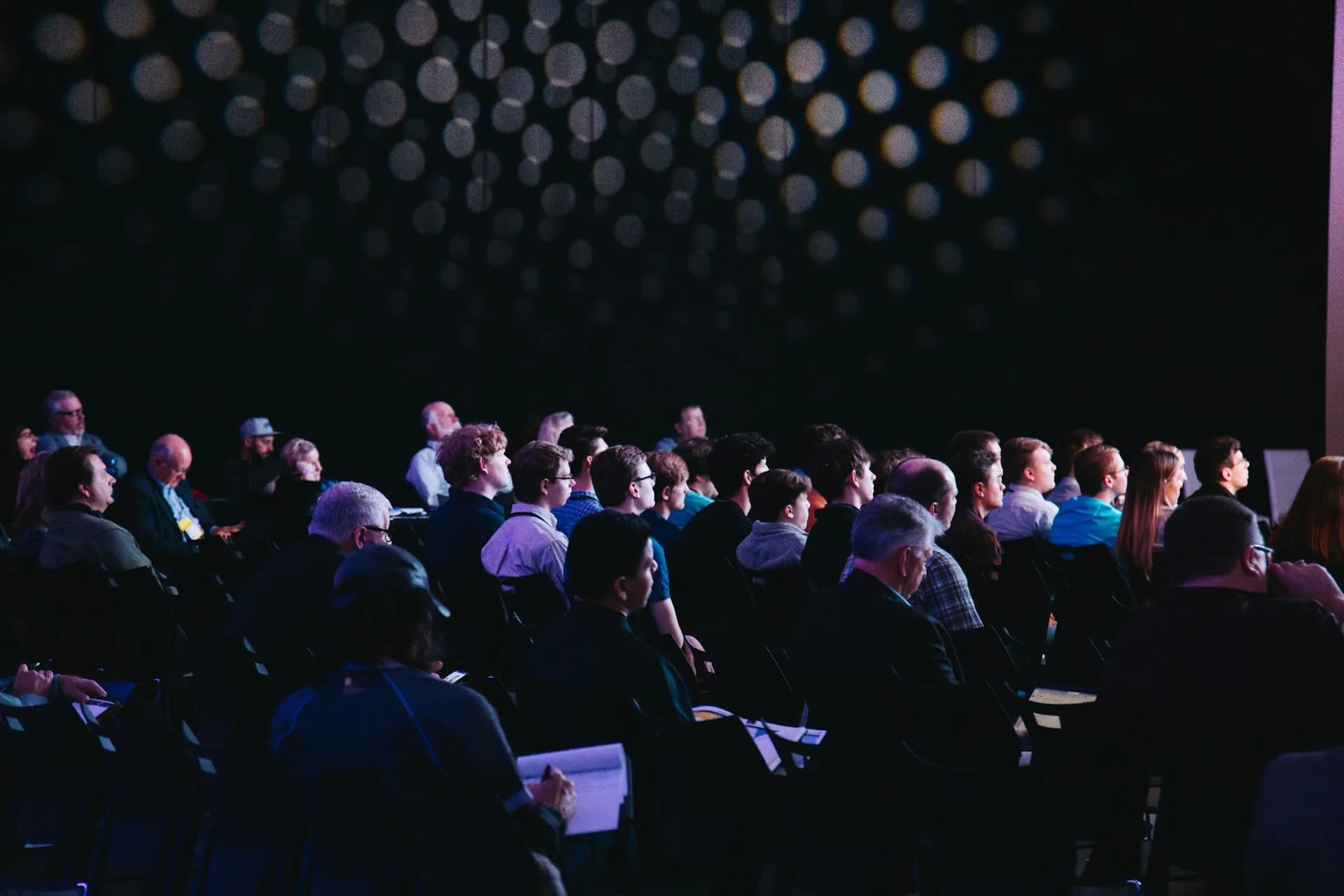
What changes compared with a one-to-one interview
With a single interviewee I control the framing, lighting and audio for one person. At a round table I multiply each of those elements by the number of speakers — and on top of that, nobody speaks in the order I'd like. Someone interrupts, someone else laughs off camera, and the moderator hands over the floor without warning me.
The raw footage is much harder to edit than an interview: there's no fixed list of questions, contributions overlap and I need cutaway footage (wide shots, reactions, hands, audience) to cover the cuts in the real conversation.
That's why a round table takes me almost twice the cameras and editing time of a single-speaker interview, even if it runs the same length on screen. A 30-minute live session can mean a full day of editing if there are more than three speakers.
How I plan it properly
Cameras and framing for several speakers
I use at least three cameras: a wide shot covering all the speakers that doubles as a safety shot, and two cameras that share the singles or two-shots depending on who's speaking. If the budget stretches to a fourth, I place it behind the audience facing the stage, so I also capture the room's reaction.
Audio: one mic per person, no exceptions
Each speaker wears their own lavalier mic, connected to a separate receiver. I never share a single table mic between several people: as soon as two talk at once or someone turns their head, intelligibility drops and there's no way to fix it in post-production. I record each channel separately and mix afterward.
Lighting and table layout
I seat the speakers in an open semicircle facing the cameras, never in a straight line, because in a straight line the side cameras only see profiles. The key light comes from the front and slightly above, the same for every seat, so no speaker is better lit than the rest of the table.
Communicating with the camera operators
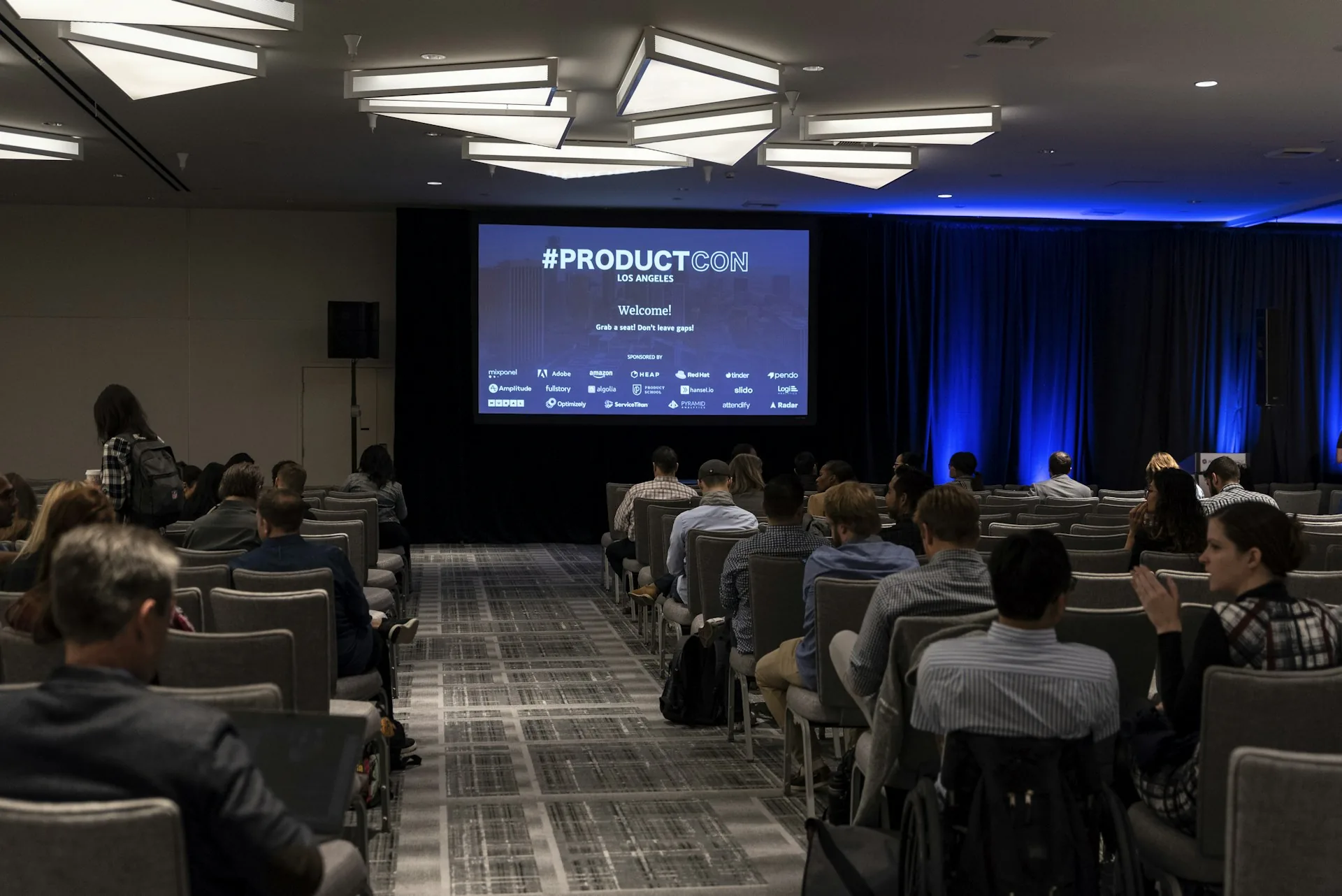
With three or four cameras running at once, I use an intercom to tell each operator who they need to be on at any given moment. Without that coordination, the cameras end up on the same speaker at the same time and I'm left without reaction shots when I need them in the edit.
Common mistakes
- A single table mic for several speakers: the cheapest solution and the one that sounds worst in post-production.
- Locked-off cameras on wide shots with no close-ups: the round table becomes flat and monotonous in the edit.
- Not filming cutaways of the audience or the room: without them there's nowhere to cut when two people talk at once.
- Seating the speakers in a straight line: the side cameras lose the faces of half the table.
- Not assigning a live sound engineer: with four mics open at once, someone has to watch the levels throughout the session.
Frequently asked questions
How many cameras do I need to film a round table?
With three I cover the essentials: one wide shot and two that share the close-ups. With four or more speakers, I prefer to add a fourth camera so I don't miss reactions.
Can I film a round table with a single central microphone?
You can, but I don't recommend it for professional use. As soon as two speakers talk at once the track becomes unusable. One lavalier per person solves the problem at source.
How long does editing a round table take compared with an interview?
In my experience, almost twice as long. Syncing several cameras and audio channels, and covering overlaps in the conversation with cutaways, takes longer than editing an interview with a set list of questions.
How long does a corporate round table usually last?
30 to 45 minutes is typical at a company event. Beyond that, audience attention drops, and it's worth trimming for the final video even if the live session runs longer.
If your next event includes a round table or a panel with several speakers and you don't know how many cameras or mics you need, write to me via /en/contacto and I'll tell you what kit suits the number of speakers and the space you'll be filming in.