Blog / Guide
B-roll for corporate video: the shots that always work
A practical guide to B-roll in corporate video: which cutaway shots to film, how to organize them and how much you need for a professional-looking edit.
When I arrive at a company to film an interview, I know I'll need twice as much time as the client expects. Not because of the interviews themselves — those usually last 30 or 40 minutes. The extra time is for B-roll. And that extra time is what decides whether the final video looks professional or amateur.
B-roll is the cutaway footage that sits over the narration or between interview cuts. Hands typing, the meeting room before anyone walks in, the product in close-up, the screen showing the dashboard. Without it, the edit is a wall of talking heads. With it, the video breathes.
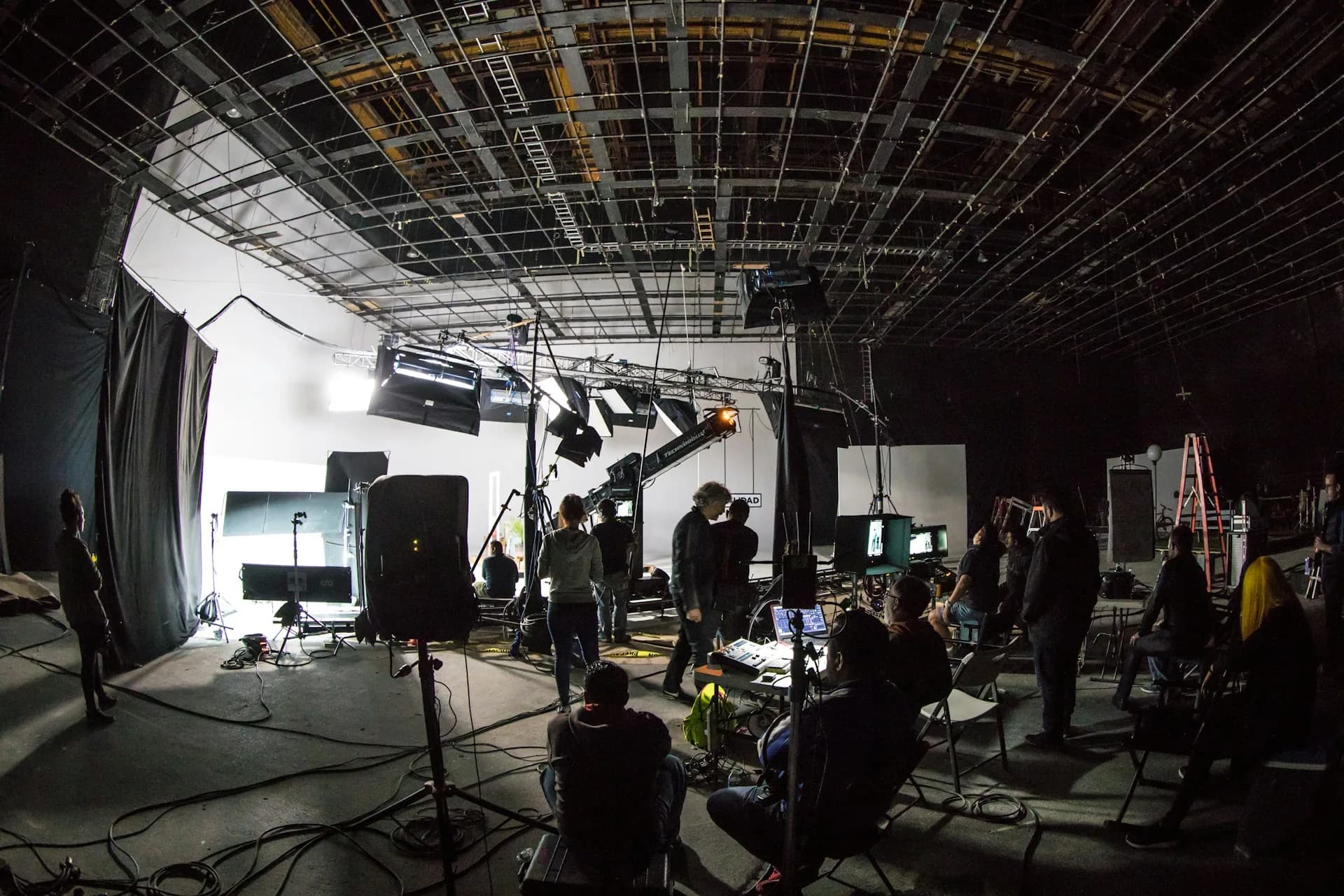
What B-roll is and why it isn't decoration
There's a widespread idea that B-roll is “filler”: nice images so it isn't so boring to watch someone talk. It's a conceptual mistake with real consequences for how the shoot gets planned. B-roll doesn't fill — it structures. It lets you cut without it showing, introduces topics before the interviewee mentions them and gives the viewer something concrete to look at while they process abstract information.
For a three-minute corporate video I work with 20 to 30 cutaway shots. Of those, probably 12 or 15 make it into the final cut. That isn't waste — it's headroom. An edit always needs options, and the B-roll that doesn't fit the main version usually ends up in the social media recut.
How to do B-roll well
Establishing and atmosphere shots
The first shots I film when I arrive are the ones that orient the viewer: the office entrance, the sign with the logo, reception, the empty meeting room. In the edit they usually last 2 to 4 seconds each. They don't need to be spectacular — they need to be clean, well framed and technically correct. A crooked shot or a camera visible in the background ruins the composition. I spend the first 20 minutes of the shoot on this alone, before there's any movement.
Detail shots and hands
Detail shots take the most work and have the biggest impact in the edit. Hands on the keyboard, the coffee cup on the meeting table, a pen underlining a document, computer screens from the side — never head-on, because the pixels flicker on camera. I use a long focal length at f/2.8 or f/4 to isolate the subject from the background. These shots last 1 or 2 seconds in the edit, but each one takes 5 minutes to set up properly because you have to adjust the exposure every time.
Action shots (the real work)
The third type is the most valuable: people actually working, not posing. Someone going through an email, taking part in a short meeting, talking to a colleague. I ask them to do what they would normally do and I move around them on the gimbal or tripod. I don't direct — I observe. These shots have an authenticity that posed shots lack, and viewers notice it even if they can't say exactly what makes the difference.
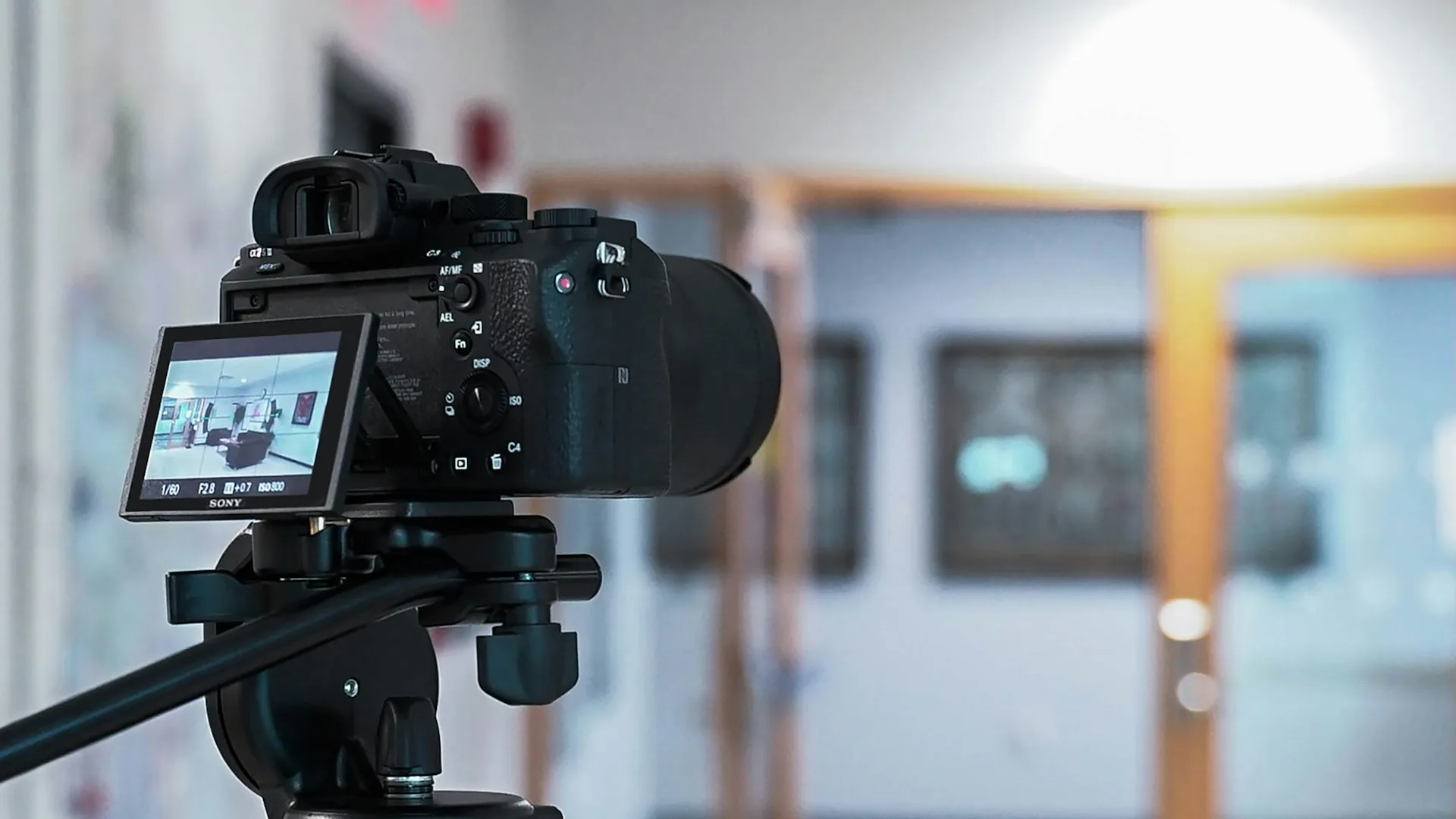
How much B-roll is enough
Here's a rule of thumb I use: for every minute of final video I need 8 to 12 usable cutaway shots. “Usable” means properly exposed, with no unintentional jerky camera moves and at least 5 seconds of raw duration so the editor has room when cutting.
- For a 2-minute video: 20 to 25 raw B-roll shots
- For a 4–5 minute video: 40 to 50 shots
- B-roll shooting time at a company: 1.5 to 2 hours at an average location
- Typical ratio: 3 shots filmed for every 1 that makes the edit
- If the video covers several departments or locations, multiply by the number of different spaces
Frequently asked questions
Can you film B-roll without making employees nervous?
Yes — a 2-minute explanation beforehand is enough. I tell them I'll be moving around the office for a while filming the atmosphere and that they don't need to act or pose. Most people forget about the camera within 10 minutes. I avoid the ones who stay tense — forced B-roll shows.
Do I need a gimbal for corporate B-roll?
It depends on the style of the video. For a standard corporate piece I prefer a tripod for detail shots and use the gimbal only for movement: corridors, people leaving meetings, walkthroughs of the office. If the client wants a more documentary look, a gimbal with slow movement works well. It isn't essential.
What focal length do I use for corporate B-roll?
I mainly work with 35mm and 85mm. The 35mm gives context and wider framing. The 85mm isolates details and compresses the background. For atmosphere shots I sometimes use a 24mm, but carefully, because it distorts and doesn't always look good in spaces with clean architectural lines.
Is B-roll filmed before or after the interview?
Ideally before. I arrive 30–40 minutes ahead of the interview and walk through the spaces. By the time the interviewee sits in front of the camera, I've already covered the technical side of the B-roll and can focus solely on capturing the conversation. If there's something I couldn't film beforehand — a live meeting, for example — I film it afterward.
Good B-roll isn't what stands out when it's there. It's what stands out when it's missing. If you're planning your company's video and want the result to have the solidity that sets a professional video apart, you can get in touch with me through the contact page.