Blog / Guide
How to repurpose a corporate video shoot into social media content
How to plan a corporate video shoot so that, on top of the main video, it leaves you with footage ready for several weeks of social media content without setting up a separate session.
In almost every corporate shoot I do, the final video uses a fraction of what we film. The rest sits unused on a hard drive, when with a bit of advance planning it could fuel several weeks of social media content.
You don't need to set up a separate session for social media. By asking for a few specific shots on the same day, and then organizing them with clear criteria from ingest onward, any corporate shoot can leave you with standalone pieces for LinkedIn, Instagram or whatever channel you use.
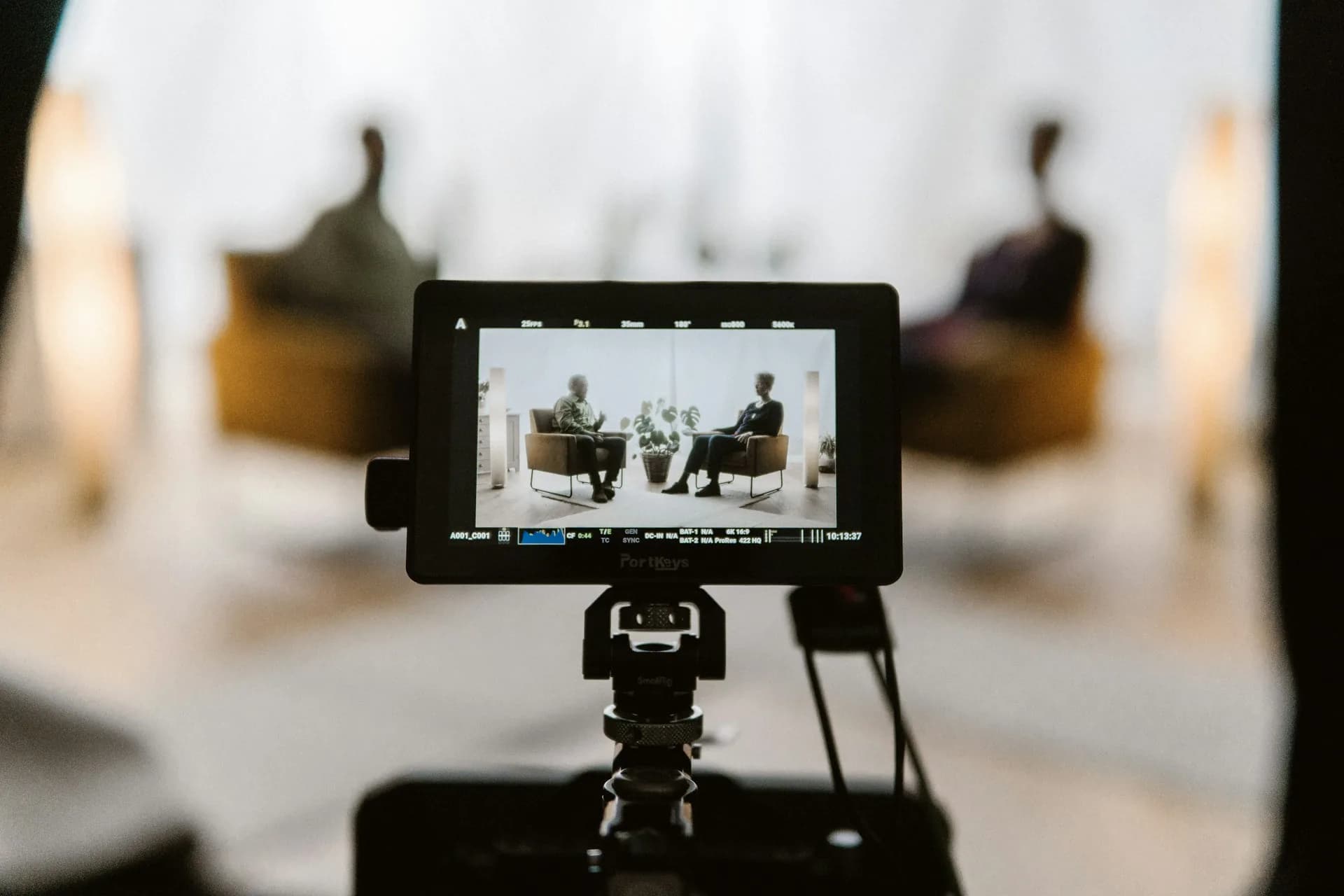
What it is and why it matters
Repurposing a corporate shoot for social media means capturing, during the same session, additional footage designed for short vertical pieces, separate from what makes up the main video. It isn't recycling the outtakes: it's planning in advance which shots will serve that second use.
It matters because the marginal cost of filming five or ten extra minutes is tiny compared with organizing a new shoot just for social media. The gear is already set up, the lighting is ready and the people on camera have already gotten past their initial nerves.
It also matters for the client: instead of paying for two separate productions, they get the main video plus a bank of pieces for several weeks of posting from a single day of work.
How to do it well
Ask for the extra shots before the shoot, not during it
I go through the main video's script and note which moments can be repeated in vertical format: a standalone line from the CEO, a detail of the process, a reaction from the team. I do this before arriving at the location, because improvising it live eats into the main shoot and ends up sacrificing quality in both formats.
Shoot vertical and horizontal in the same take when possible
If the framing allows, I set up a second camera in vertical pointing at the same subject while the main camera shoots in 16:9. It doesn't always work (it depends on the space and the composition), but when it does, it doubles the footage without doubling the shooting time.
Separate the footage at ingest
When offloading the cards, I tag the clips meant for social media straight into a separate folder. If I leave that sorting until the editing stage, two weeks later I can no longer remember which shot was meant for what, and I end up losing half the usable footage.
Common mistakes
- Filming everything with only the final video in mind and discovering in the edit that there isn't a single standalone shot under 15 seconds.
- Asking for social media content at the end of the shoot, when the crew is already packing up and nobody wants to repeat a take.
- Not telling the people on camera that there will also be short pieces, which creates reluctance when you mention it afterwards.
- Mixing social media clips with main video clips without tagging them, adding several unnecessary hours to the edit.
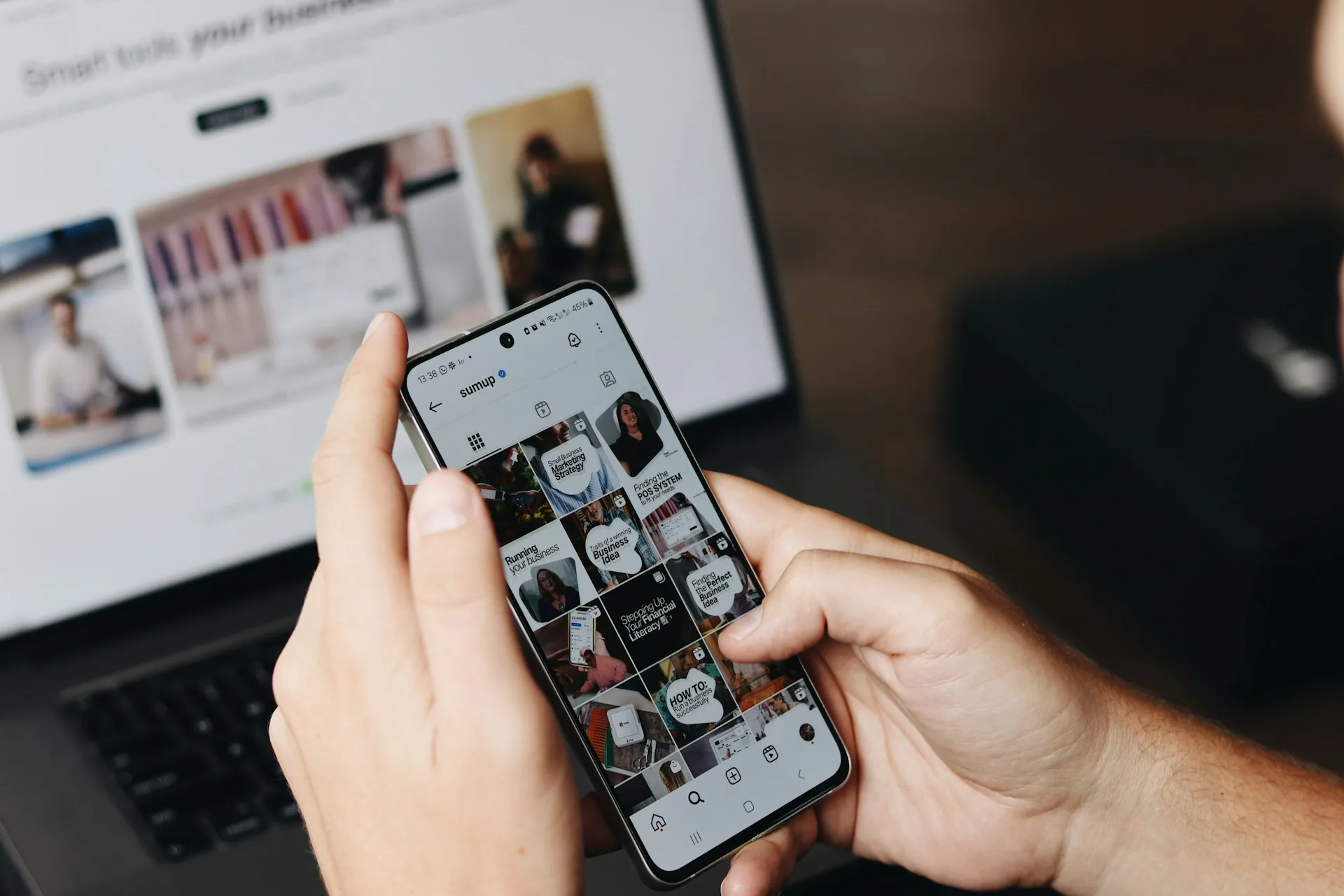
- Posting the same cut on every platform without adapting aspect ratio or length to each one.
Frequently asked questions
How much extra time should you add to the shoot to get social media content?
Between 20 and 40 minutes is usually enough if the extra shots are decided in advance. The time balloons if you improvise on the fly, so it's best to lock them into the script before arriving at the location.
Do I need an additional camera operator to shoot vertical at the same time?
Not always. A tripod and a second locked-off camera pointing at the same subject is enough for most interviews; you only need an extra operator for action shots or when people are moving around.
Does this extra footage replace a dedicated social media shoot?
Not entirely. It gives you a bank of high-quality short pieces, but if a brand needs a very specific format (for example, a reel with its own script and different locations), it's best to plan a separate session.
What delivery format should I ask for with these clips?
I always ask for vertical 9:16 at the camera's native resolution, uncompressed, with burned-in subtitles supplied separately so they can be edited if the post copy changes.
If you're going to film a corporate video and want that same day to also give you social media content, let me know via /en/contacto before the shoot and we'll plan it together.